6.8s to 1.7s LCP, PageSpeed 54 to 94, Core Web Vitals passing, and qualified leads up from 14 to 37 a month
| Metric | Before | After | How measured |
|---|---|---|---|
| LCP, field data | 4.8s | 1.7s | Chrome UX Report, 28-day rolling, 90 days after launch |
| PageSpeed, mobile | 54 | 94 | PageSpeed Insights, median of 5 runs |
| Core Web Vitals assessment | Fail | Pass | Search Console, origin level |
| Organic sessions | 2,600/mo | 8,900/mo | Search Console, 12 months after launch |
| Qualified leads | 14/mo | 37/mo | Client CRM, 6-month average either side |
Devansh is just amazing. He is an expert in his field and it shows. His communication was great and he understands WordPress and PHP very well. He worked swiftly, did things in a timely manner. It can be hard to find great talent but Devansh is a GEM.
A slow WordPress site reaches a point where optimising it costs more than replacing the thing causing the problem. This one was at 6.8 seconds, and three previous rounds of optimisation had moved it by less than a second.
The slow WordPress site belonged to a US SaaS company. Their marketing site ran on a purchased multipurpose theme carrying 47 plugins, and every speed fix anyone attempted was fighting the theme rather than the symptoms.
So it got rebuilt. Same design, same content, same URLs. New foundations.
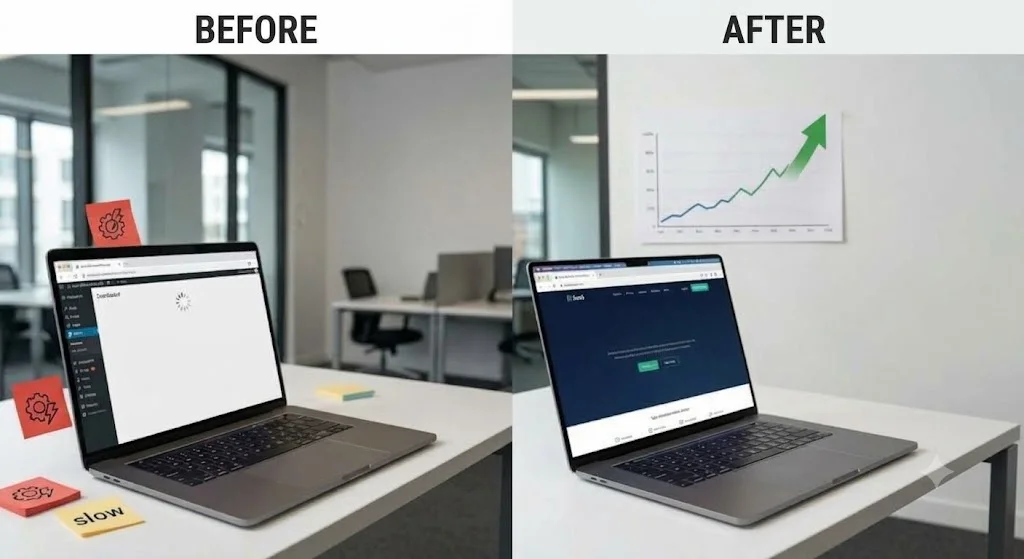
Optimisation is almost always the right first answer for a slow WordPress site. It is cheaper, faster, and reversible. I have written elsewhere about speed optimization that moves a site from failing to passing without touching the build.
A rebuild earns its place when the bottleneck is the foundation. Three signals, and this site had all three.
The first is the one that decides it. The theme loads everything regardless of the page. Multipurpose themes ship every feature they advertise because the demo needs them. A page using none of it still pays for all of it, and you cannot configure that away. The same logic drives most redesign decisions.
Plugin count is solving theme problems. Forty-seven plugins is rarely forty-seven requirements. It is usually a dozen real needs plus thirty-five workarounds for what the theme cannot do cleanly.
Previous optimisation rounds have plateaued. If three attempts have each bought you a few hundred milliseconds, the remaining time is structural. More caching will not reach it.
A slow WordPress site with all three is a rebuild. A slow WordPress site with none of them is a configuration job, and quoting a rebuild for it would be selling you something you do not need.
Diagnosing a slow WordPress site starts with field data from the Chrome UX Report and a throttled mid-range Android, not a desktop lab run.
| Contributor | Cost | Cause |
|---|---|---|
| Theme CSS and JS | ~2.1s | Full framework loading on every page |
| Unused plugin assets | ~1.6s | Sliders, galleries and form scripts sitewide |
| Unoptimised images | ~1.3s | Full-resolution JPEGs scaled in the browser |
| Render-blocking fonts | ~0.7s | Three families, nine weights, from Google |
| Server response | ~0.6s | No page cache, uncached database queries |
| Third-party scripts | ~0.5s | Tag Manager, chat, two analytics tools |
No single contributor was catastrophic. That is what makes a slow WordPress site hard to fix incrementally: six contributors each costing under two seconds will survive any fix aimed at one of them.
A custom theme reproducing the existing design exactly, written in PHP and CSS with no framework underneath. Nobody could tell the difference visually. The page weight before a single image loaded dropped by most of a megabyte.
Design handover came from a Figma file, which is the usual Figma to WordPress route. Editors kept full control through Advanced Custom Fields, so content changes never require a developer.
Plugin bloat is the second half of most slow WordPress site problems. Forty-seven became eleven. Most of the removals were theme workarounds that the rebuild made unnecessary. Four were genuinely needed and stayed. Three were replaced by a hundred lines of code in the theme.
Plugin count is a weak proxy for performance on its own. What matters is what each one loads and where, and that is what the audit measured rather than the number.
Asset loading is where a slow WordPress site leaks the most time. Assets are now enqueued per template rather than globally, so a page loads what it uses. Interactive behaviour is vanilla JavaScript instead of jQuery plus three libraries. Critical CSS is inlined and the rest deferred.
This is where a rebuild pays off against optimisation. Conditional loading is trivial when you control the enqueue, and close to impossible when a purchased theme hardcodes it.
Cloudflare handles edge caching, TLS and image delivery. For a US SaaS company with visitors across North America and Europe, serving from the edge removes a round trip that no amount of server tuning recovers.
Page caching at server level, object caching for the database queries that were running uncached on every request, and exclusions tested against logged-in states. A plugin like WP Rocket does this job well when it is configured rather than activated.
Images are the easiest win on a slow WordPress site and the most often half-done. Everything regenerated at sensible dimensions, converted to WebP, served with correct srcset so phones stop downloading desktop files. The hero image carries fetchpriority="high" and is preloaded, because the LCP element should never wait for the preload scanner to find it.
A single schema graph from the theme, clean heading hierarchy, internal linking rebuilt, and Rank Math handling titles, meta and sitemaps. Doing this during the rebuild costs nothing. Retrofitting it afterwards is a separate technical SEO engagement.
The slow WordPress site is no longer slow. Field LCP went from 4.8 seconds to 1.7. Mobile PageSpeed moved from 54 to 94, and the origin went from failing the Core Web Vitals assessment to passing it.
The commercial numbers matter more. Organic sessions roughly tripled over the following year, as pages that had been too slow to rank started competing. Qualified leads from the site went from 14 a month to 37.
That second figure is the one the client cared about. A slow WordPress site is not a technical problem, it is a revenue problem wearing a technical costume.
The technical account above is the part developers care about. The client cared about four things, and they are worth stating because they are what you actually buy when you fix a slow WordPress site.
Nothing broke during the switch. The rebuild ran on staging for four weeks. Every page was compared against the live version before anything moved, and the cutover happened in a window the client chose. No downtime, no broken forms, no missing pages.
The design did not change. This mattered more to them than it does to me. They had paid for that design and their brand was built on it. A rebuild that arrives with a new look is a redesign nobody asked for, and it muddies whether any change in results came from the speed or the layout.
Their team can still edit everything. The fear with a custom build is that every text change becomes a developer ticket. Structured fields mean the marketing team edits copy, swaps images and publishes pages exactly as before, with the layout locked so nobody can break it by accident.
The leads number moved. Fourteen qualified leads a month to thirty-seven. That is the figure that justified the project internally, and it is why a slow WordPress site is a commercial problem rather than a technical one. Everything else in this case study is how that number happened.
Worth saying plainly: the lead increase is not all speed. Faster pages ranked better, better rankings brought more traffic, and more traffic at a better conversion rate compounds. Attributing it purely to performance would overstate what any single change does.
The fastest way to ruin a slow WordPress site rebuild is to lose the rankings the old site had. Four rules, all non-negotiable.
Those four come from watching rebuilds go wrong. I wrote up a project where they were ignored in traffic drop after redesign, where a site lost 62% of organic sessions despite having a redirect map in place.
Twenty minutes with your own slow WordPress site, before anyone quotes you anything.
Most slow WordPress site problems are configuration, and I will tell you when yours is. A rebuild is the answer for a minority, and quoting one for a site that does not need it is how agencies get their reputation.
Google’s threshold is a 2.5 second Largest Contentful Paint on field data for 75% of visits. Commercially the number that matters is different: anything over three seconds on mobile is losing you people who would have converted, and a slow WordPress site at six or seven seconds is losing most of them.
Only the ones loading assets on pages that do not use them, which is how most slow WordPress site plugin bloat works, which is most of them but not all. Plugin count is a weak proxy. A site with forty lightweight plugins can outperform one with eight heavy ones. Measure what each loads rather than counting them.
Yes, and that is usually the right brief. This rebuild reproduced the existing design exactly. Changing the design and the foundations simultaneously means any change in conversion or traffic cannot be attributed to either.
Not if URLs, content depth, internal links and titles are preserved. Those four are where rebuilds lose rankings, and all four are avoidable. A rebuild done carelessly can cost you months, which is why the rules above are not optional.
Three to six weeks for a marketing site of this size, quoted fixed-price after an audit. The audit comes first, and sometimes concludes that a speed engagement or a targeted fix would get you most of the way for a fraction of the cost.
A maintenance plan with performance checks after updates, plus security hardening so updates are safe to apply, and a rule that new plugins get measured before they get installed. Sites do not become slow overnight. They become slow one convenient plugin at a time.
Run the five slow WordPress site checks above. If your theme is costing under two seconds, you do not need a rebuild and I will say so.
If it is costing more than that, send me the URL through the contact page or book a free call, and I will read your field data and tell you which of the two engagements fits.
Similar work: SaaS and technology, finance, healthcare and education.
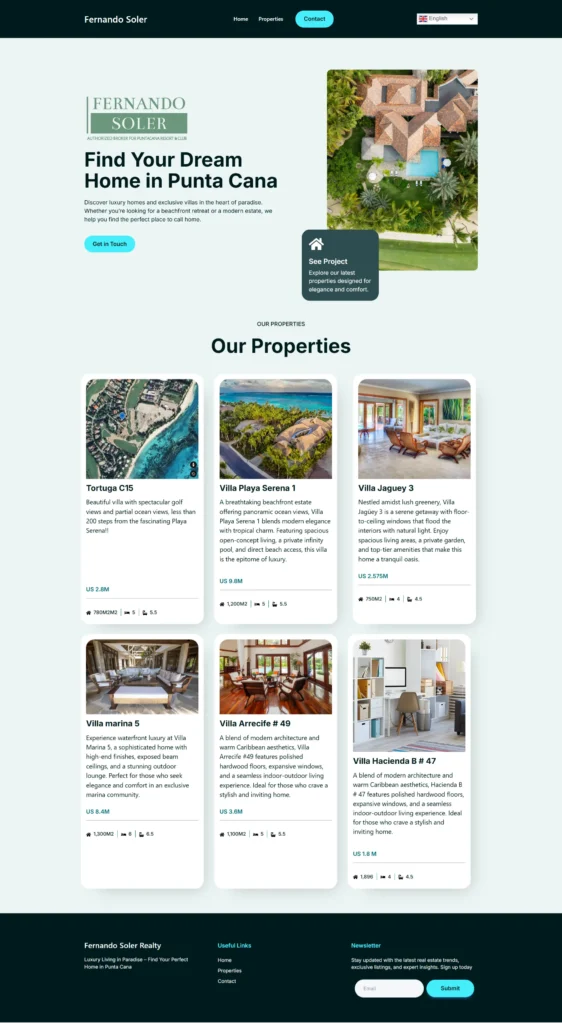
Luxury real estate platform showcasing premium villas and properties in Punta Cana with dynamic listings and multi-language support.
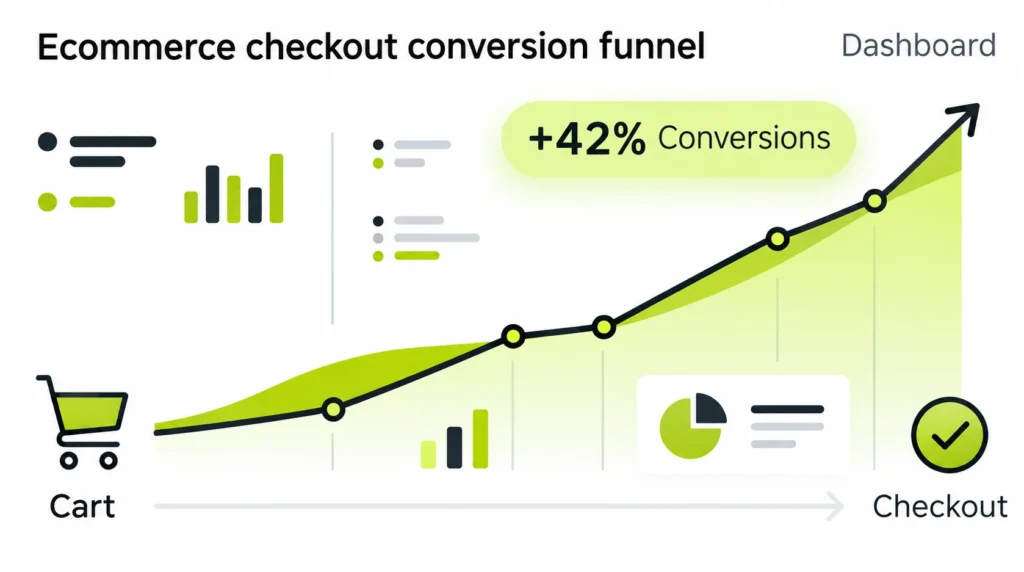
Checkout completion from 38% to 55% and a 42% lift in store conversion rate, on the same traffic

Global non-profit platform focused on family protection, economic stability, and legal advocacy with donation integration.
Free 30-minute call. Tell me what is going wrong and you get a fixed-price quote within 48 hours. If a smaller fix would do, I will say so.
