A Gravity Forms and Square payment flow broken by a theme conflict, fixed by isolating the form instead of untangling the theme
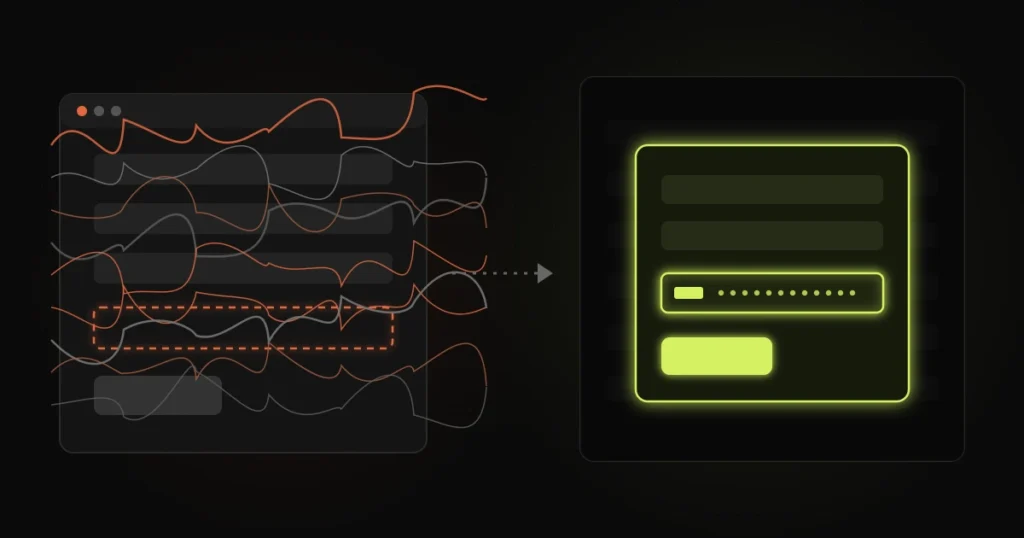
The form loads. The name and email fields are there. The amount calculates. And where the card field should be, there is a blank strip, or a spinner that never stops, or a box that looks fine until someone clicks Pay and nothing happens.
That was the state of a payment form on a site I was brought in to fix. Gravity Forms with the Square add-on, a live Square account, and a payment flow that had stopped working.
Search for this and you will find the same threads over and over. Check your Square credentials. Check you are not in sandbox mode. Re-save the feed. Deactivate your other plugins. All reasonable, and none of them touched the actual problem here.
Everything else on a Gravity Forms form is plain HTML that WordPress outputs. The card field is not.
For security reasons, Square never lets the card number touch your site. Its payment script builds the card input inside a small frame served from Square’s own domain, then hands your form a token instead of the card details. That is good for compliance and it is the reason the field is fragile.
That frame only appears if Square’s script loads, runs, finds the right container on the page, and finds it in a state it can draw into. Any one of those steps failing gives you the same blank strip, and the form gives you no clue which one it was.
Credentials and sandbox mode only affect what happens after the token is created. If the field never renders, you are looking at a page problem, not an account problem.
On this site the conflict was with the theme. The first thing to establish on any job like this is whether the form works when the theme is out of the picture, because that one answer decides where you spend the rest of your time. When the theme is the variable, the usual suspects, in roughly the order I find them, are:
On a simple theme, one of these is usually obvious within an hour. On a heavier, older theme with layers of customisation, several of them can be true at once, and fixing one just reveals the next.
When the theme is the cause, there are two ways forward. The first is to keep going: trace every script, adjust every optimisation rule, override every style, and test each change against a live payment flow. That is days of work, and the result is a form that works until the next theme update, plugin update or optimisation setting change puts one of those conflicts back.
The other option is to stop the theme from being involved at all.
So that is what I did. The payment form now lives on its own minimal page, with none of the theme’s scripts, styles or optimisation rules applied to it. The main site opens that page inside a modal, framed in, when someone clicks to pay. To the person paying it looks like part of the site. To Square’s script it is a clean page where nothing else is competing for the queue.
The theme stayed exactly as it was. The payment flow works again, and it no longer depends on the theme behaving.
Framing a form sounds like a workaround, so it is worth being clear about why it is the sound choice here.
It is how payment providers already work. Square, Stripe and the rest put the card field in a frame for exactly this reason: isolation from whatever the host page is doing. Isolating the whole payment form applies the same principle one level up.
It keeps the fragile thing small. The part of the site that takes money is now a page with almost nothing on it. Fewer moving parts means fewer things that can break it, and much less to check after every update.
It does not change the data. It is still the same Gravity Forms form, the same feed, the same entries, the same notifications. Nothing about how payments are recorded or reported moved.
There are things to get right. The framed page should not be indexed on its own. The modal needs to work on a phone and close properly with a keyboard. Confirmation messages and redirects need to land inside the modal or break out of it on purpose, not by accident. And the page itself has to stay on the same domain, so cookies and security rules behave the way you expect.
Isolation is not the answer every time. If the cause is one obvious thing, like a single script that failed or one optimisation rule that needs an exclusion, fix that. It is quicker and it leaves the form where it was.
Isolation earns its place when:
If two or more of those are true, untangling is usually the expensive route to a worse result.
Before anyone touches your settings, open the page with the broken form, open the browser’s developer tools and look at the Console tab. Reload.
Red errors that mention the theme, a slider or an optimisation plugin point to a page conflict. No errors at all, with an empty card field, points to hiding or styling. An error mentioning Square directly, an application ID or a location, is the one case where your credentials really are the first thing to check.
That ten-second look tells you which half of the problem you are in, and stops you spending a day re-entering API keys that were never wrong.
A payment form that had stopped taking payments was taking them again, without a theme rebuild and without changing how entries and payments are recorded. The fix also leaves the next developer something simple to reason about: the page that takes money has nothing on it but the form.
If you have a Gravity Forms payment field that will not load, a checkout that broke after a theme or optimisation change, or a form that works everywhere except on your live site, send me the page. If people are trying to pay right now and cannot, that is emergency work, and I treat it that way.

My agency website: a hand-coded WordPress theme, 20+ landing pages and a 12-request homepage
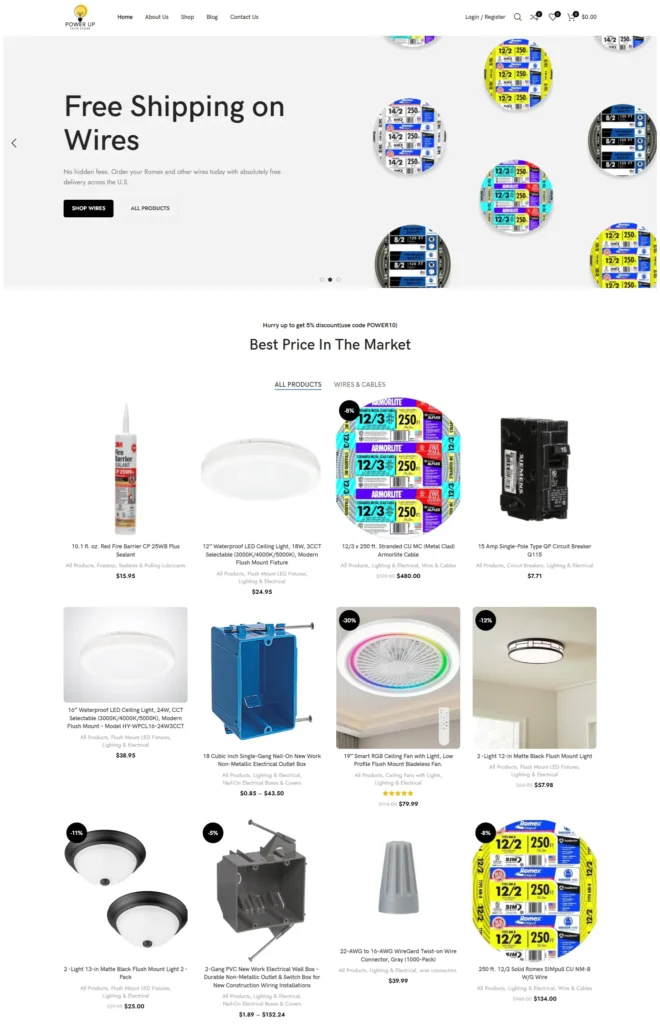
High-performance WooCommerce store for electrical products with dynamic catalogs, advanced filters, and optimized checkout.

Custom theme, bilingual architecture, square-metre product configurator and video-led pages that still pass Core Web Vitals
Free 30-minute call. Tell me what is going wrong and you get a fixed-price quote within 48 hours. If a smaller fix would do, I will say so.

I reply personally, usually within a few hours. No pushy sales calls.
Devansh Thakkar
Get your free quote
Takes 30 seconds. I reply personally within a few hours with a clear plan and a fixed price.
