An empty desktop header after a Divi 4 to Divi 5 migration, traced to module-level rendering rather than the template
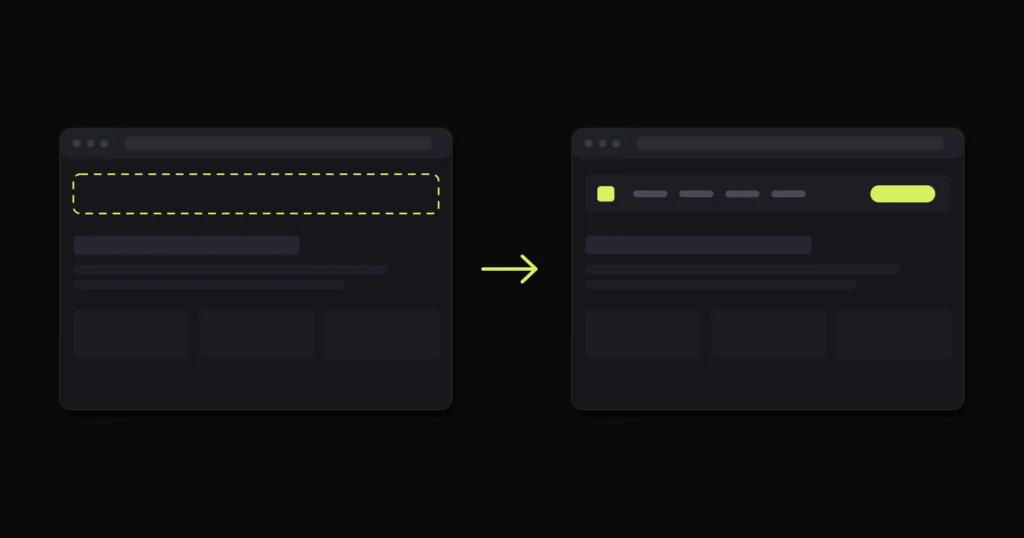
The migration finished without errors. The site loaded. Every page was there. And the header was gone.
Not broken. Not misaligned. Gone, on desktop, while the rest of the page rendered exactly as it should.
If you search this symptom you will find the same advice everywhere, including in Google’s own AI summary of the problem: re-save the Theme Builder. That advice is not wrong. It is just answering a different question from the one most people are asking, and on this site it did nothing at all.
Divi keeps its own internal cache of Theme Builder templates. Move a database between servers, change a domain, restore a backup into a different environment, and that cache can end up out of step with what is actually stored. Opening the Theme Builder and hitting save forces Divi to rebuild it.
That genuinely fixes one specific failure: the template is not being applied to the page at all. No header template, no header, nothing rendered where one should be.
It does nothing for a different failure that produces a very similar-looking page: the template is being applied, and the modules inside it are failing to render.
Same blank space on screen. Completely different cause. Completely different fix.
Load the page, right click in the blank area where the header belongs, and inspect it.
If there is nothing there, no section, no wrapper, just the page content starting at the top of the body, the template is not being applied. Re-save the Theme Builder, clear every cache layer, and it will usually come back.
If there is a section wrapper sitting in the markup with the right Divi classes on it, and it is simply empty inside, stop. Your template is loading perfectly. Divi has been told to put a header there and it has done so. What has failed is one or more modules inside that section, and no amount of re-saving the Theme Builder will change that.
That was the situation here. The section was present in the markup, correctly placed, with nothing in it.
This distinction is worth more than any individual fix, because it splits the problem into two branches immediately and stops you working through a checklist that was never going to apply.
Divi 5 is a rewrite, not an update. The builder was rebuilt, and the way modules are registered and rendered changed with it. The migrator handles the common path well, which is why most content comes across cleanly and why most people’s experience of the upgrade is uneventful.
The modules most likely to break are not the simple ones. A text module is close to static markup and tends to survive anything. The ones that break are the modules that do work at render time: pull data from somewhere, query the database, check the current user’s state, build their output conditionally.
On this site the failures were the Menu and Login modules, and that fits the pattern exactly. A menu module has to resolve a registered navigation menu and build a tree from it. A login module has to check authentication state and render one of two completely different outputs depending on the answer. Both have real logic behind them, and both sit in headers far more often than anywhere else on a site.
That is also why the damage looked so dramatic. A header is often nothing but a logo, a menu and an account link. Break the two modules doing the work and the section is empty, even though the section itself is fine.
Headers are frequently built as two parallel arrangements in the same template, one for larger screens and one for small, with visibility rules deciding which is shown. Teams do this because a desktop navigation bar and a mobile menu are genuinely different components rather than the same component resized.
When those two arrangements use different modules, a module-level failure will only show up at the breakpoint where that module is used. The site looks fine on a phone and broken on a laptop, which is exactly the kind of thing that gets dismissed as a caching problem on first look.
So a symptom that appears at only one breakpoint is useful information, not a confusing detail. It points at the modules rather than the template.
The shape of the work, rather than a click-by-click:
Confirm the branch first, using the test above. Everything after that depends on knowing whether you are fixing a template problem or a module problem, and the two paths share almost nothing.
Isolate the failing modules rather than the failing section. Once you know the section renders, the question becomes which children do not, and that is answered by narrowing down, not by guessing.
Check compatibility before rebuilding anything. Divi 5 reports compatibility status for extensions, and a third-party addon that has not been updated for the new rendering model can take out specific modules while leaving the rest of the builder working. Rebuilding a header by hand when the real cause is an unmaintained plugin means doing the work twice.
Rebuild only what will not recover. A module that cannot be made to render in the new version gets replaced with one that does, which is a small, contained change. That is very different from rebuilding the template, which is what people often reach for after a few hours of frustration.
Verify at every breakpoint and logged out. A login module in particular renders differently depending on authentication state, so checking it while logged in as an administrator tells you about half of the story.
Header restored at all breakpoints, with the cause identified at module level rather than the template being rebuilt from scratch.
The broader point: “the header disappeared after upgrading to Divi 5” is not one problem. It is at least two, they look identical in a browser window, and the advice that dominates search results only addresses one of them. Ten seconds in the inspector tells you which one you are actually holding.
If you are mid-upgrade and something has vanished, or you are putting off Divi work because the last version jump went badly, that is the kind of thing bug fixing and migration work covers. If the site is live and currently broken, emergency support is the faster route.
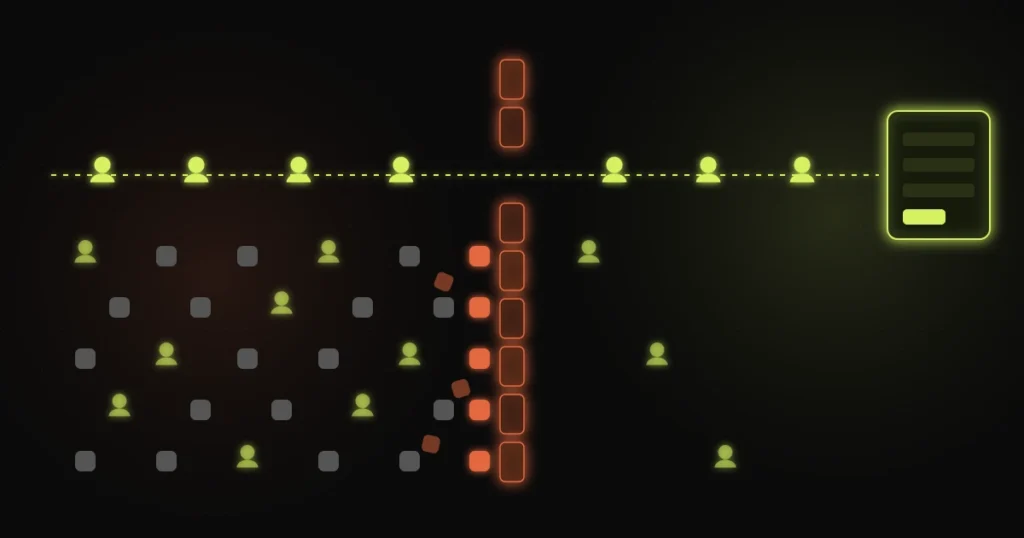
CleanTalk stopping genuine Gravity Forms submissions on one form, fixed with a targeted exclusion while spam protection stayed...
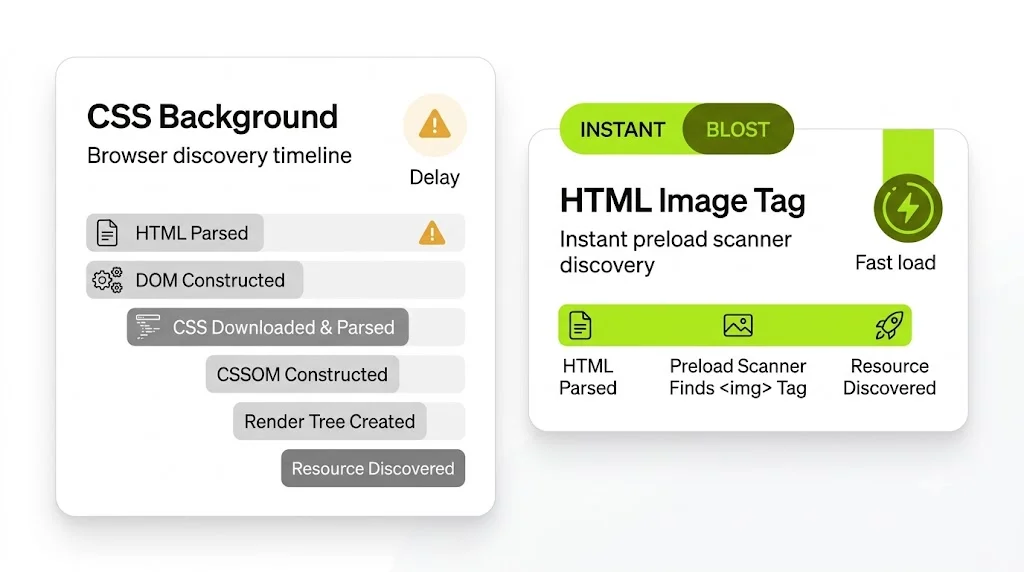
Field LCP from 4.3s to 1.6s and a passing Core Web Vitals assessment, with no redesign
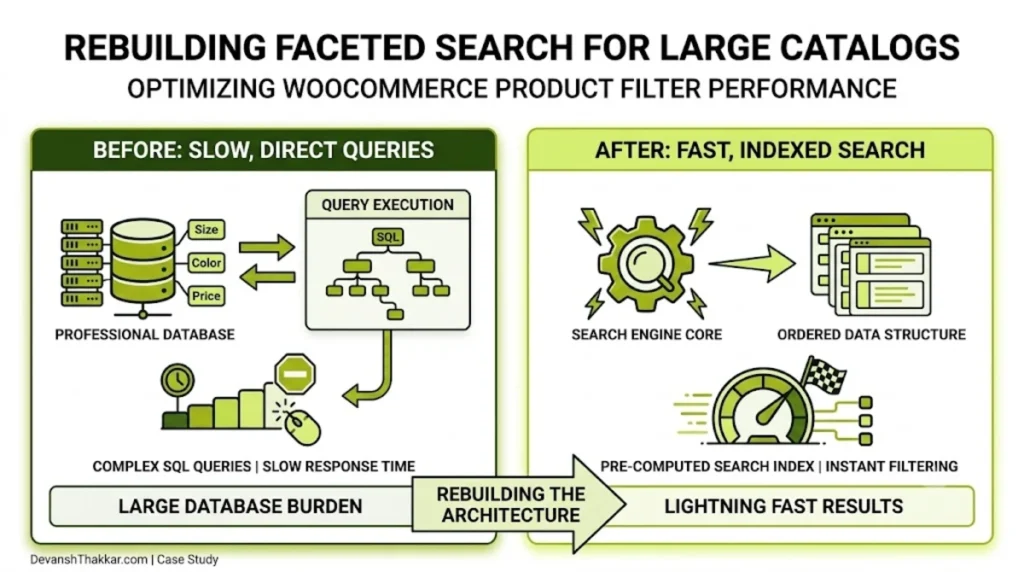
Facets that return in under 300ms, and a crawl budget no longer spent on filter permutations
Free 30-minute call. Tell me what is going wrong and you get a fixed-price quote within 48 hours. If a smaller fix would do, I will say so.

I reply personally, usually within a few hours. No pushy sales calls.
Devansh Thakkar
Get your free quote
Takes 30 seconds. I reply personally within a few hours with a clear plan and a fixed price.
