A site that passed its malware scan, with three compromises the scan was never designed to find
A compromised WordPress site rarely announces itself. There is no defaced homepage and no ransom note. More often the site is slightly wrong in ways that are easy to explain away: a redirect that only fires for visitors arriving from search, an update that will not finish, a login screen that behaves differently depending on where you open it from.
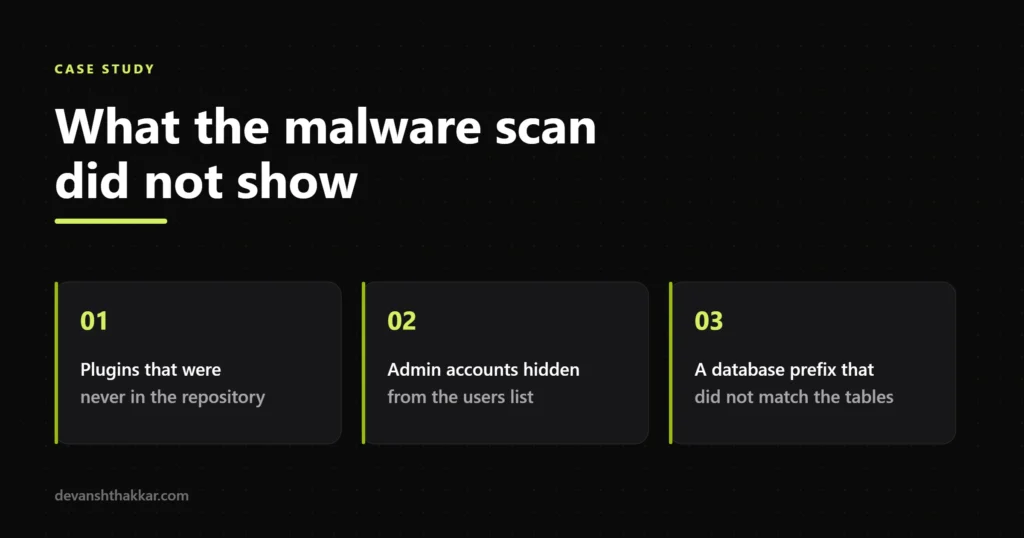
This one arrived as “something feels off, can you look”. A malware scan had already been run before I was brought in and it had come back close to clean. The three things that actually mattered were all sitting in places a file scanner does not examine carefully.
Signature scanners do two things well. They compare files on disk against known-bad patterns, and they compare WordPress core, theme and plugin files against the official copies in the repository. For code injected into a core file, that is fast and reliable.
They are much weaker in three situations:
All three were present on this site.
The plugins directory held entries that would not make anyone look twice. Sensible names, a readme, a version number, an author line, the usual folder structure. One was sitting inactive, which is a detail worth pausing on, because an inactive plugin is still code on the server and site owners tend to scroll straight past anything that is not switched on.
The giveaway is not what the plugin looks like. It is what it cannot be checked against. Every plugin installed from the WordPress repository has an authoritative copy sitting on wordpress.org, and anything that has been tampered with can be diffed against it in seconds. A plugin that was never in the repository has nothing to diff against, so it passes a comparison check by simply not participating in one.
That makes “where did this come from” a more useful question than “does this look suspicious”. Anything in the plugins folder that the site owner cannot account for, and that has no upstream source, deserves to be treated as hostile until proven otherwise.
The users screen showed the accounts you would expect. The database did not agree.
Hiding a user from the admin interface does not require touching the account itself. WordPress gives plugins and themes legitimate hooks for changing what appears in admin list tables, and those hooks work just as well for an attacker as for a developer. The account stays fully functional. It simply stops being rendered on the one page an administrator would check.
This is why a user audit done through the admin screen is close to worthless on a site you already suspect. The comparison that matters is between what the interface claims and what the database actually contains. When those two numbers disagree, you have your answer before you have read a single filename.
Persistence is the point of an account like this. Cleaning every malicious file on a site while leaving a working administrator in place means the site gets reinfected, and it usually gets reinfected quickly enough that everyone concludes the clean-up failed. It did not fail. The door was never closed.
This was the one that took longest to see, because it does not look like a security problem at all. It looks like a broken site.
WordPress stores a table prefix in its configuration file and expects the database tables to use it. When the prefix in the configuration and the prefix on the tables stop agreeing, WordPress is looking in the wrong place. Depending on exactly how far apart they have drifted, the symptoms range from missing settings and vanished content to a site that cannot establish a usable session at all.
A mismatch can be entirely innocent. Bad migrations cause it, and so do partially restored backups. It is also what you are left with after someone has been editing configuration and moving data around on a site that was not theirs. Either way it has to be resolved before any clean-up can be trusted, because until WordPress and the database agree on where the data lives, you cannot be confident that what you are examining is the live site.
The sequence matters more than any individual action, so here is the shape of it rather than a runbook.
Take a full snapshot first, compromised state included. You need somewhere to go back to, and you need the evidence intact. Deleting the interesting files before you have understood them is the most common way a clean-up turns into a guessing game.
Resolve the configuration before touching content. While the application and the database disagree about where the data lives, nothing you inspect can be trusted to be the live site.
Inventory before you remove. Work out what should be there, from a known source, and treat the remainder as the problem set. Removing things one at a time as you notice them means you never find out how much you missed.
Close the access routes before cleaning the symptoms. Accounts, credentials and keys first. A clean file tree with a live attacker account is a site that will be reinfected within days.
Verify from outside afterwards. Check what the site returns to a search crawler and to a visitor arriving from a search result, not just what it returns to you while logged in. Conditional behaviour that only triggers for other visitors is specifically designed to survive the owner looking at their own homepage.
Cleaning a compromise is the smaller half of the job. The larger half is making sure the same route does not work twice.
That means every credential rotated rather than just the ones known to be exposed, administrator access reduced to the people who genuinely need it, and the update position brought current and kept there instead of being allowed to drift again. It also means knowing sooner next time. Most compromises of this kind are not discovered on the day they happen. They are discovered weeks later, by which point the useful evidence has rotated out of the logs.
Ongoing cover is the unglamorous part, and it is the part that decides whether this happens again. That is what a maintenance plan and proper security hardening are actually for.
None of this requires a developer, and all of it is faster than waiting for a scan to finish.
The site came back clean, with the configuration mismatch resolved, the unauthorised access removed rather than just the visible symptoms, and hardening in place so the same route does not work again.
The wider lesson is the one worth keeping. The scan was not wrong. It was answering a narrower question than the one being asked. “Are there known-bad files on this server” and “is this site compromised” are different questions, and on this site the answers were different too.
If your site is behaving strangely and a scan has already told you it is fine, that is not a reason to relax. Emergency WordPress support covers exactly this situation, and if you are not sure whether what you are seeing is a compromise or a bug, send the URL and what you are seeing and I will tell you which it is.
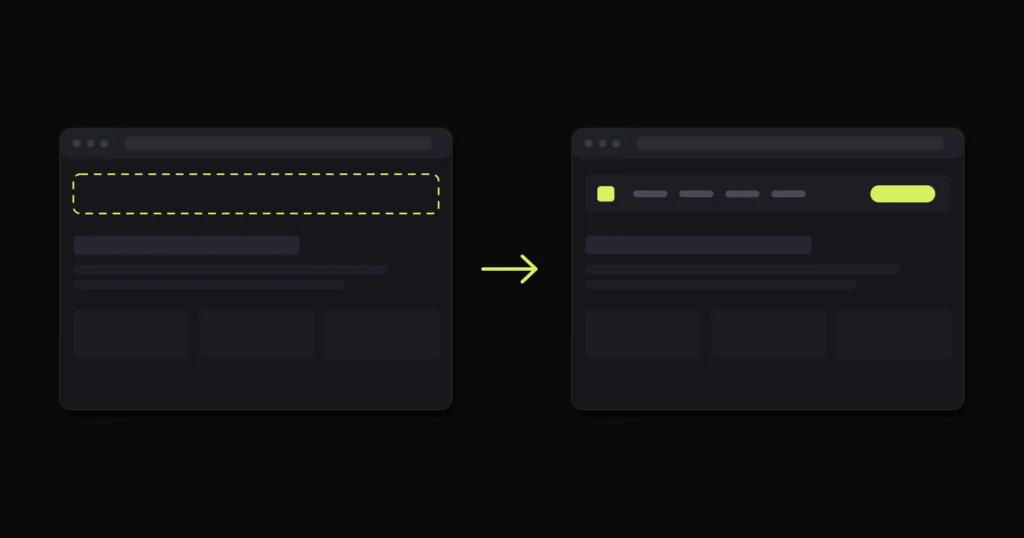
An empty desktop header after a Divi 4 to Divi 5 migration, traced to module-level rendering rather than...
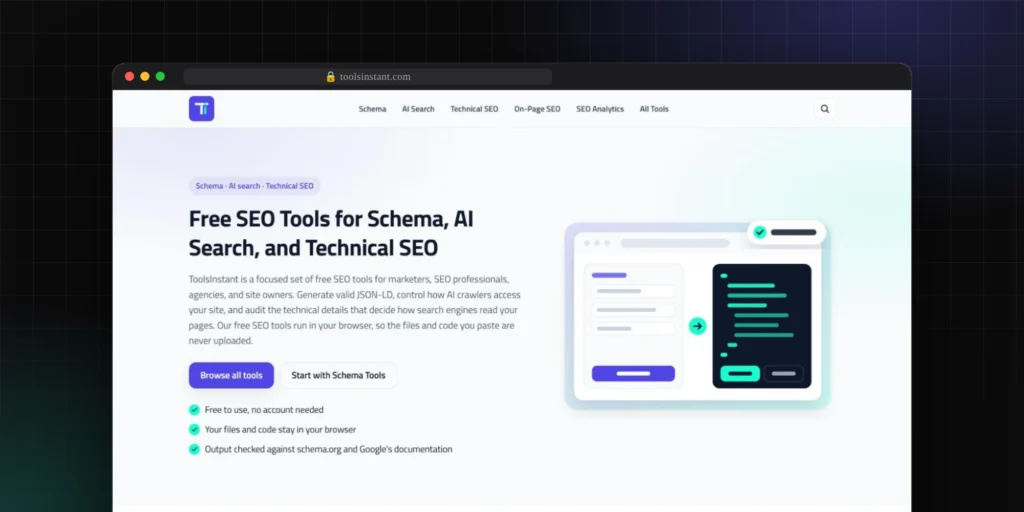
54 free SEO tools on a hand-coded WordPress theme, fully public and inspectable
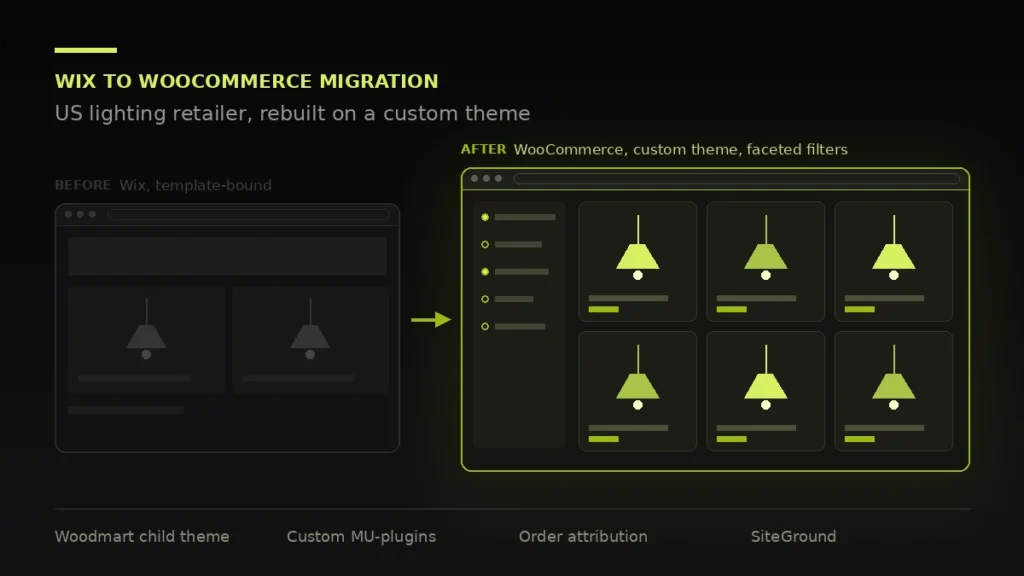
Rebuilt off Wix onto a WooCommerce store the client owns, with a custom order attribution tracker that separates...
Free 30-minute call. Tell me what is going wrong and you get a fixed-price quote within 48 hours. If a smaller fix would do, I will say so.

I reply personally, usually within a few hours. No pushy sales calls.
Devansh Thakkar
Get your free quote
Takes 30 seconds. I reply personally within a few hours with a clear plan and a fixed price.
