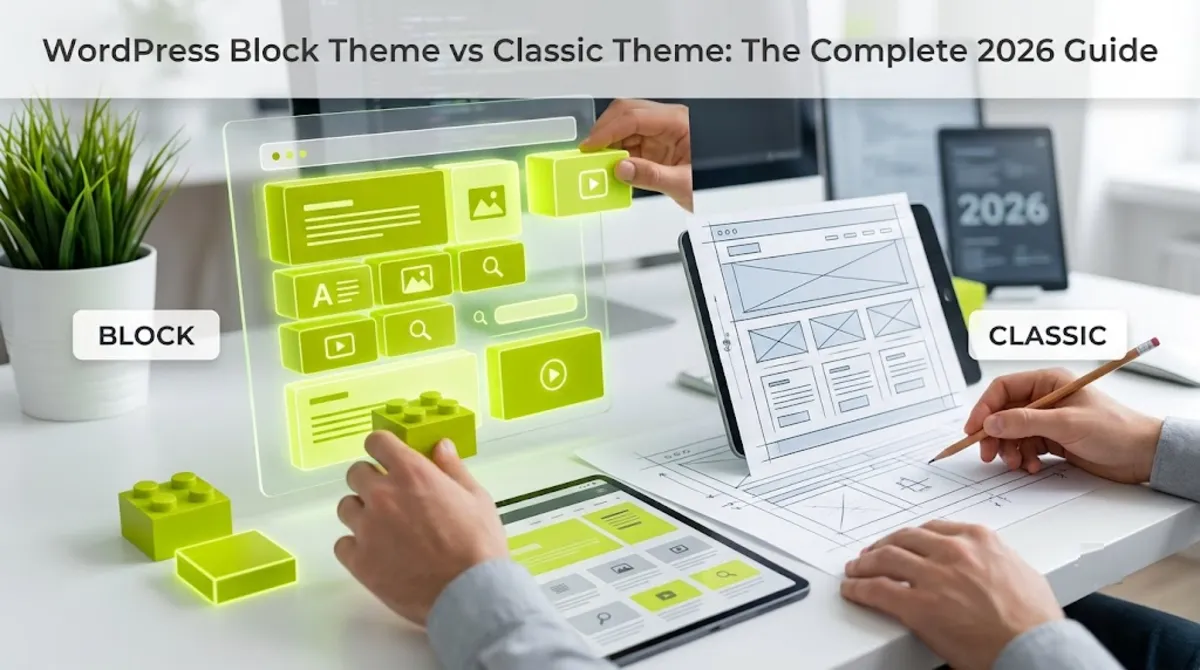
- In the block theme vs classic theme decision, a block theme wins on visual editing, cleaner markup, and future alignment, while a classic theme wins on custom PHP control and page-builder workflows.
- A block theme builds the whole site from blocks with HTML templates and theme.json, editable in the Site Editor with no code.
- A classic theme uses PHP templates and the Customizer, and remains fully supported by WordPress.
- Block themes tend to have stronger Core Web Vitals thanks to cleaner default markup and less enqueued CSS.
- For most professional projects, a hybrid theme, classic PHP plus theme.json and blocks, is the pragmatic sweet spot.
In the block theme vs classic theme decision, a block theme lets you visually edit your entire site with no code and tends to perform better, while a classic theme gives you custom PHP control and smoother page-builder support. Block themes are the direction of WordPress, but classic themes remain fully supported. For most projects, a hybrid is the smartest choice. Here is how to decide.
After building both classic PHP themes and block-based sites for clients in 15+ countries, here is my honest read before the details. This is not old versus new, or good versus bad. Each approach genuinely wins in different situations, and the best answer for a lot of projects is actually a blend of the two. Let me show you exactly where each one shines, and why the block theme vs classic theme choice is less binary than it looks.
The Quick Verdict
The short answer to block theme vs classic theme: choose a block theme for visual site-wide editing, cleaner performance, and alignment with where WordPress is heading, and choose a classic theme for heavy custom PHP, strict layout control, or a page-builder-centric workflow. Both are fully valid in 2026.
The one-line summary for each:
- Block theme lets you edit every part of your site visually in the Site Editor, with cleaner default markup and better Core Web Vitals, and it is the future direction of WordPress core.
- Classic theme uses PHP templates and hooks for deep custom control and mature plugin and page-builder compatibility, and remains fully supported.
Pro tip: For a brand-new project with no heavy page-builder or custom-PHP dependency, a block theme is usually the right starting point in 2026. For an established site built around PHP templates or Elementor’s full-site features, a classic or hybrid theme is often the pragmatic call. Where you are matters as much as where WordPress is going.
To choose confidently, you first need to understand what actually separates these two at the code level.
The Real Difference
The core difference in block theme vs classic theme is architectural: a block theme builds templates from blocks in HTML files with a theme.json config, while a classic theme builds them in PHP. That single distinction drives every trade-off that follows.
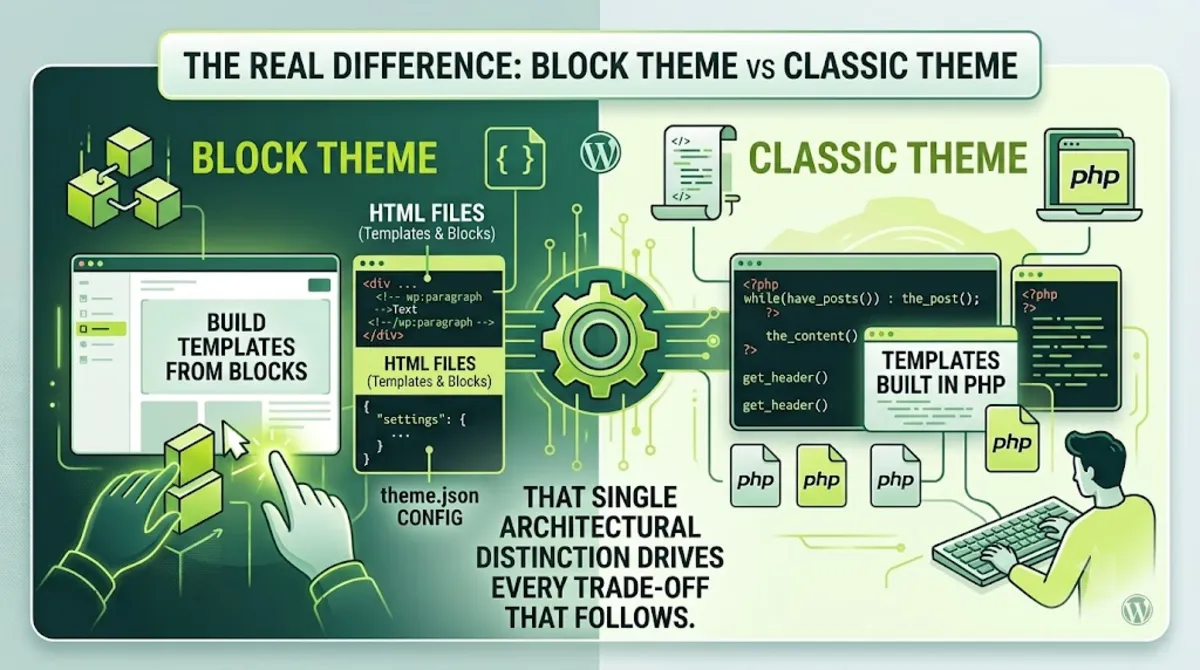
Here is what that means in practice. A block theme, available since WordPress 5.9, is composed entirely of blocks, so its header, footer, content, and templates are all editable in the Site Editor without touching code. The design tokens, colors, typography, spacing, live in a single theme.json file. A classic theme, the original type, uses PHP template files like header.php and single.php, plus the Customizer, and leans on WordPress PHP functions, hooks, and filters for control.
The key practical differences:
- Editing. It is edited visually in the Site Editor. A classic theme is edited through PHP templates and the Customizer.
- Structure. It uses HTML block templates and theme.json. A classic theme uses PHP files and template hierarchy.
- Control model. It favors configuration and visual control. A classic theme favors code-level control through PHP.
Why this matters: the block theme vs classic theme choice is really about how you want to control your site, visually through blocks and theme.json, or programmatically through PHP. One is not better than the other in the abstract. It depends entirely on the project and who maintains it.
With the architecture clear, here is where a block theme genuinely pulls ahead.
Where a Block Theme Wins
A block theme wins on visual site-wide editing, cleaner default markup, stronger Core Web Vitals, and alignment with the future of WordPress. For most new projects, these advantages make it the natural starting point in 2026.
The concrete strengths of a block theme:
- Unified visual editing. One interface, the block editor, controls everything: content, header, footer, templates, and navigation, with no switching between Customizer, Widgets, and Menus, and no PHP required.
- Cleaner performance. Because theme.json manages styles centrally, WordPress enqueues less CSS and avoids specificity wars, which helps produce leaner output and stronger Core Web Vitals.
- No page-builder layer needed. Block themes were designed to make a separate builder unnecessary, removing that extra JavaScript weight for full-site design.
- Future alignment. WordPress core focuses all new design tooling on the block and Site Editor ecosystem, so block themes are where the platform is investing.
Pro tip: The performance edge here is real but not automatic. Cleaner default markup and less enqueued CSS give you a head start, yet a theme with dozens of deeply nested blocks can still bloat the DOM. The advantage rewards restraint, keep layouts clean and the performance benefit holds.
That said, a classic theme still wins clearly in several important situations.
Where a Classic Theme Wins
A classic theme wins when you need heavy custom PHP, strict layout control, mature plugin and page-builder compatibility, or complex custom functionality. These are not edge cases, they cover a large share of professional builds.
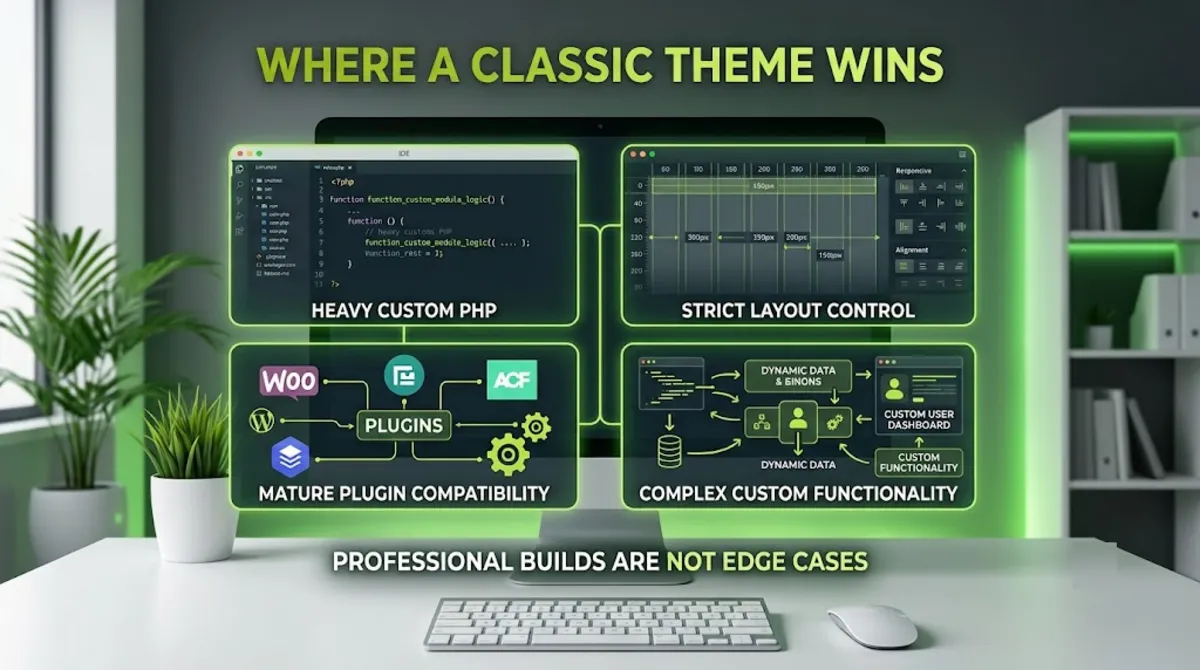
A classic theme is the better call when:
- You rely on a page builder. Elementor’s full-site header, footer, and popup features are not compatible with the Site Editor, so a classic or hybrid theme is the recommended setup for an Elementor-centric workflow.
- You need custom PHP templates. Complex custom queries, REST API endpoints, background processing, or intricate custom post type and meta setups are natural in PHP templates.
- You require strict layout control. When you need precise, code-level control over structure, PHP templates give it directly.
- Your team and stack are classic. An established site and team built around PHP and the Customizer may gain little from a full rebuild right now.
Important reassurance: classic themes are not going away. WordPress has committed to backward compatibility, and the Customizer and classic architecture remain fully supported. What classic themes will not receive is new core design tooling, which keeps flowing to the block ecosystem. Your classic site will keep working, it just will not gain the newest editing features.
For a huge number of real projects, though, the smartest answer is not either one on its own.
The Hybrid Middle Ground
The hybrid theme, a classic PHP theme that adds theme.json and block support while keeping key PHP templates, is where a large share of professional projects actually land. It captures block-editor benefits without giving up PHP control.
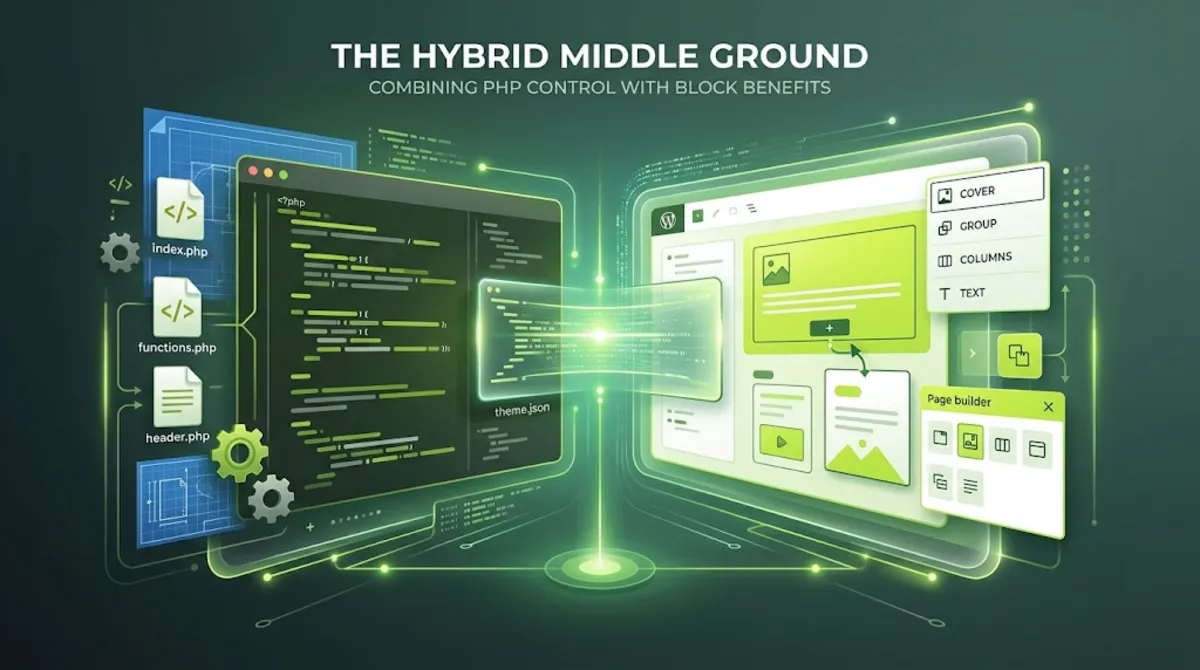
Here is why the hybrid model is so popular in practice. WordPress natively supports a classic theme that opts into theme.json for design tokens and adds block pattern support, while keeping selected PHP templates like header.php or single.php for structural control. You get the visual design tokens and block editing where they help, and you keep PHP exactly where it matters most.
This is the approach I reach for most on professional builds, and it maps to how WordPress itself is evolving. You adopt block features selectively, get cleaner design token management through theme.json, and retain the custom PHP power a complex site needs. It sidesteps the false choice entirely: you do not have to pick between visual editing and code control when you can have a deliberate blend of both.
With all three models on the table, here is how to actually make the call.
Not sure which theme model fits your project?
I build block, classic, and hybrid themes, and recommend honestly based on your stack, goals, and who maintains the site. See my WordPress and SEO service.
What Most People Get Wrong
The biggest mistake in the block theme vs classic theme debate is framing it as new-and-good versus old-and-obsolete. That framing is wrong, and it leads people to force the wrong model onto their project. Both are valid, supported, and better suited to different jobs.
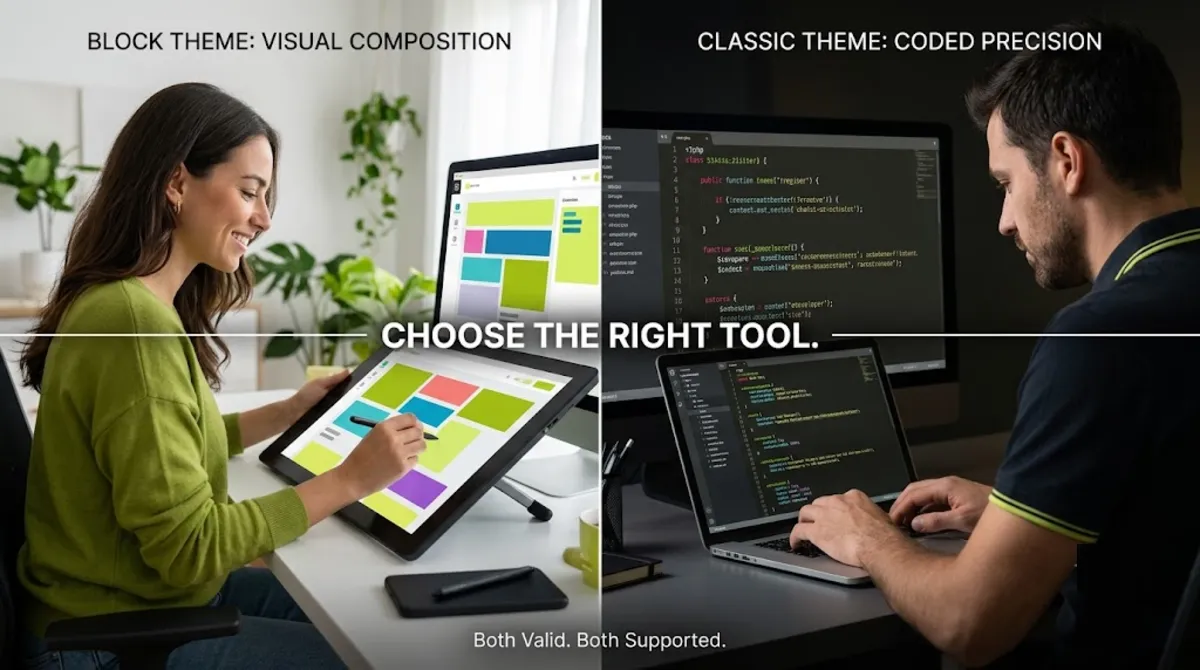
Here is the pattern I see. Someone reads that block themes are the future, rebuilds a perfectly good, complex, page-builder-driven site as a full block theme, and spends weeks fighting the Site Editor for control it was not built to give them. Or the reverse: someone insists on a classic theme for a simple content site that would have been faster, cleaner, and easier to maintain as a block theme. Both ignored what their project actually needed.
The second common mistake is a false belief that theme type decides SEO. It does not. SEO is driven by content, optimization, structure, and performance, not by whether your templates are PHP or HTML blocks. A well-configured classic theme and a well-configured block theme rank equivalently. Chase clean, fast, well-structured output, which both models can deliver, rather than picking a theme type expecting a ranking boost.
When you want that call made honestly for your specific stack and goals, that is where experience pays off.
Deciding between block, classic, or hybrid, or planning a migration?
I build all three and handle migrations cleanly, preserving your content, SEO, and performance. See my WordPress and SEO service or book a free call.
Frequently Asked Questions
What is the difference between a block theme and a classic theme?
A block theme, available since WordPress 5.9, builds its templates from blocks in HTML files with a theme.json config, and lets you edit the entire site visually in the Site Editor with no code. A classic theme uses PHP template files and the Customizer, relying on WordPress PHP functions, hooks, and filters. The core difference is visual, configuration-based control versus code-level PHP control.
Is a block theme better than a classic theme?
Neither is universally better. A block theme wins on visual site-wide editing, cleaner default markup, stronger Core Web Vitals, and future alignment. A classic theme wins on custom PHP control, strict layout precision, and page-builder compatibility. The right choice depends on your project, your stack, and who maintains the site. For many, a hybrid captures the best of both.
Are classic themes being discontinued?
No. WordPress has committed to backward compatibility, and the Customizer and classic theme architecture remain fully supported. Classic themes will keep working indefinitely. What they will not receive is new core design tooling, which is focused on the block and Site Editor ecosystem. Your classic site is safe, it simply will not gain the newest visual editing features over time.
Do block themes perform better than classic themes?
Often, yes, but not automatically. Block themes benefit from cleaner default markup and centralized styles through theme.json, which reduces enqueued CSS and helps Core Web Vitals. However, a block theme with heavily nested blocks can bloat the DOM, and a lean classic theme can be very fast too. The performance edge is real but depends on how cleanly the site is built.
Can I use Elementor with a block theme?
Partly. Elementor works for editing post and page content on a block theme, but its full-site features, header, footer, and popup builders, are not compatible with the Site Editor or block templates. For a smooth Elementor workflow, a classic or hybrid Elementor-compatible theme is the recommended setup in 2026. If Elementor is central to your site, lean classic or hybrid.
What is a hybrid theme?
A hybrid theme is a classic PHP theme that adds a theme.json file for design tokens and block pattern support, while keeping selected PHP templates for structural control. It lets you use block editing and consistent design tokens where they help, and retain PHP power where it matters. A large share of professional projects ship exactly this way, as a pragmatic middle ground.
Does theme type affect SEO?
Not directly. SEO is driven by content, on-page optimization, structure, and performance, not by whether templates are PHP or HTML blocks. A well-configured classic theme and a well-configured block theme achieve equivalent SEO results. Focus on clean, fast, well-structured output and strong Core Web Vitals, both of which either theme type can deliver when built properly.
Should I migrate my classic theme to a block theme?
Only if your project genuinely benefits. Migration has real cost and risk, so it is worth it when you want visual site-wide editing, cleaner performance, or future alignment, and your site is not tied to heavy custom PHP or page-builder features. If it is, a hybrid approach or staying classic may serve you better. My WordPress and SEO service handles these migrations cleanly.
Conclusion
The block theme vs classic theme choice has no universal winner, and that is the honest truth behind the hype. A block theme gives you unified visual editing, cleaner performance, and alignment with where WordPress is heading, which makes it the natural starting point for most new projects. A classic theme gives you deep custom PHP control, strict layout precision, and smooth page-builder compatibility, and it remains fully supported. But for a large share of real projects, the smartest answer is a hybrid, a classic foundation with theme.json and blocks where they help, capturing the benefits of both. Decide by your project’s needs: how you want to edit, whether you rely on custom PHP or a page builder, and who maintains the site. Match the model to the work, not to a trend, and you will build something faster, cleaner, and easier to live with.
Ready to build on the right foundation for your site?
I build block, classic, and hybrid themes and recommend honestly for your goals. Book a free call or browse my recent project portfolio.
This article was last reviewed and updated in June 2026 to reflect current WordPress block themes, Full Site Editing, and Core Web Vitals guidance.