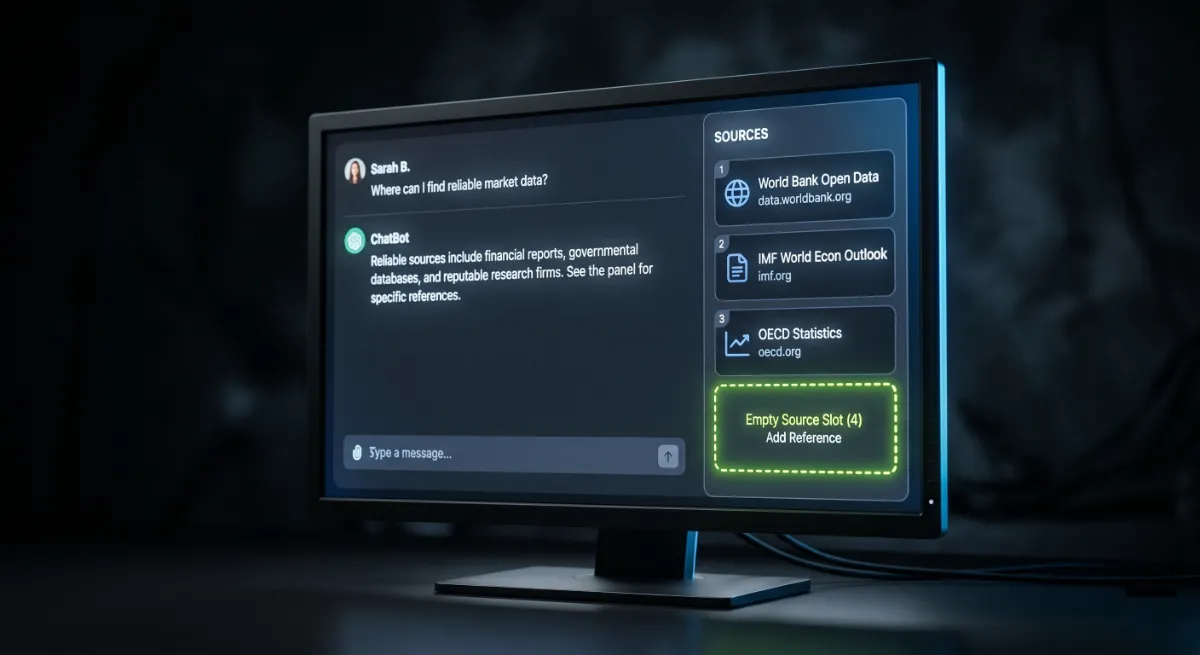
- The most common reason a site does not show in ChatGPT is blocked AI crawlers, often by a security plugin or firewall.
- ChatGPT search leans on web rankings, so if you do not rank, you are rarely retrieved.
- Content that buries its answer, or a site with weak trust signals, is hard for AI to cite.
- Some causes are structural: new sites, training-data lag, or queries that never trigger a web search.
- Most reasons for a website not showing in ChatGPT are fixable, with the same fundamentals behind all AI visibility.
A website not showing in ChatGPT usually comes down to one fixable thing: AI crawlers cannot reach it. Blocked bots, weak rankings, and content AI cannot cite are the usual culprits. The good news is that most causes are simple to fix. Here are the seven biggest reasons, and how to solve each one.
Across 250+ WordPress projects, this question comes up more every month: someone asks ChatGPT about their industry, sees competitors named, and wonders why they are invisible. A website not showing in ChatGPT is rarely bad luck. There is almost always a specific, identifiable reason, and once you know which one applies to you, the fix is usually clear. Let me walk through how ChatGPT chooses what to show, then the seven reasons you are being left out.
First, how ChatGPT decides what to show
To understand a website not showing in ChatGPT, start with how the model answers. ChatGPT answers in two ways, and the difference matters. For some questions it answers purely from its training data, a snapshot of the web frozen at a past date. For others, especially current or specific ones, it searches the live web, retrieves pages, and cites sources. The way it browses is documented in the OpenAI crawler overview.
So “showing in ChatGPT” usually means being retrieved and cited during that live search, which leans heavily on how well your content ranks and how reachable it is. Two more realities to accept up front: ChatGPT is non-deterministic, so answers vary between sessions, and you cannot directly edit what it knows. You influence it indirectly, by being reachable, rankable, and trustworthy. With that framing, the reasons below make sense.
This is worth getting right. Research on AI visibility suggests the brands that structure for it can gain meaningful ground in AI answers, while everyone else stays invisible. A website not showing in ChatGPT is not a permanent state, it is usually a fixable one.
Why your website is not showing in ChatGPT
These are the seven causes of a website not showing in ChatGPT that I see most, roughly in order of how often they are the real problem.
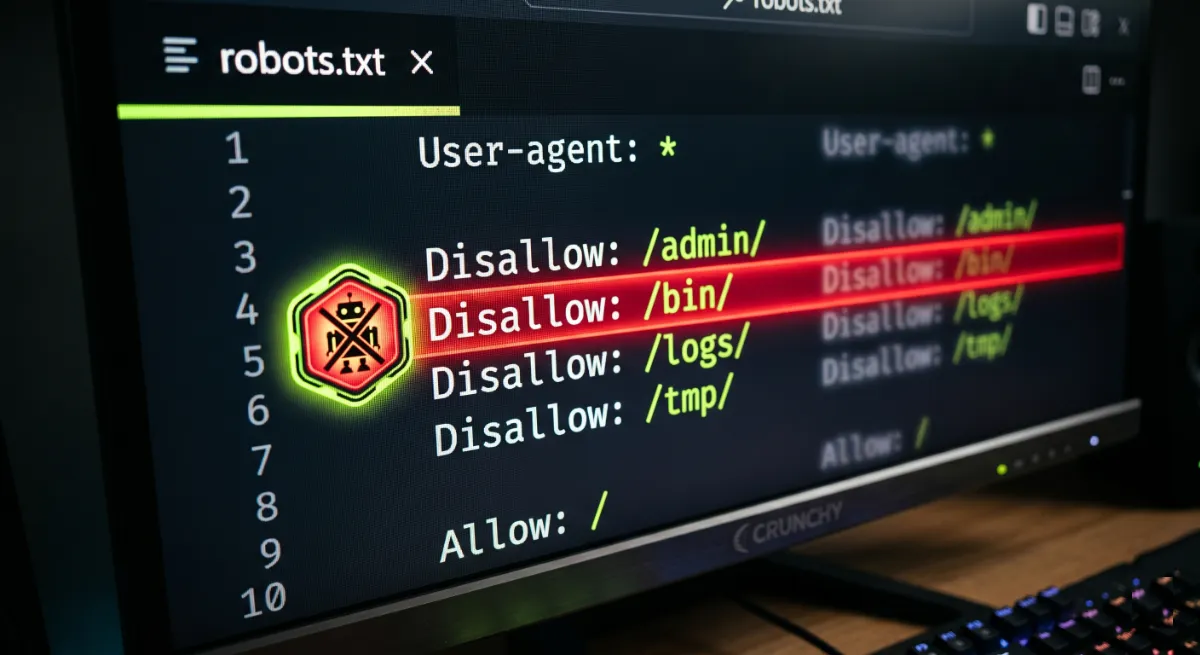
1. AI crawlers are blocked
This is the most common reason for a website not showing in ChatGPT by far. If your robots.txt disallows GPTBot or OAI-SearchBot, or your firewall, CDN, or security plugin blocks them, ChatGPT simply cannot read your pages. Many WordPress security setups block these bots by default, so it often happens without you realizing. The fix: allow the crawlers you want in robots.txt, and whitelist them in your firewall. This single change has put more than one client back into AI answers.
2. Your site does not rank or lacks authority
ChatGPT’s live search leans on web rankings, much of it through Bing. If you do not rank for the topic, you are rarely in the pool of pages it retrieves. Low domain authority compounds the problem. The fix is classic SEO: relevant, in-depth content, technical health, and earned authority over time. Ranking well is the entry ticket to being cited.
This is the reason behind a lot of confused clients who rank fine on Google but still see their website not showing in ChatGPT. Strong rankings on the search engines that feed AI are what put you in the retrieval pool in the first place, so treat SEO as the foundation, not an afterthought.
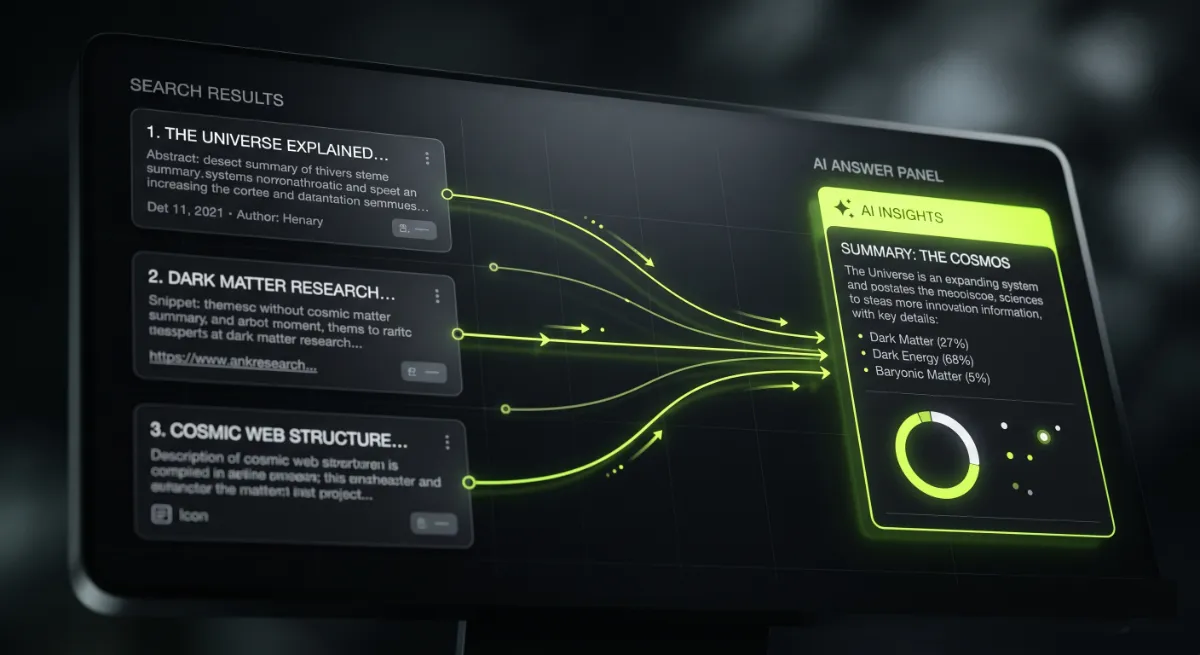
3. Your content is not citable
Even reachable, ranking pages get skipped if they are hard to quote. If your answer is buried under a long introduction, or the content is thin and vague, the model has nothing clean to lift. The fix: lead each section with a clear, direct answer, use plain question-style headings, and make your content genuinely useful and specific.
4. Weak brand and author trust signals
AI favors sources it can trust and identify. If your site has no clear authorship, a thin about page, or inconsistent brand details, it gives the model little reason to cite or even name you correctly. The fix: add real author bios, a strong about page, consistent Organization and Person details, and the experience and expertise signals that build credibility.
5. Your site is new or low-authority
Trust takes time. A new domain with few signals will struggle to be cited, simply because the model has little evidence you are authoritative yet. The fix is patience plus the right work: keep publishing useful content, earn mentions and links, and build the track record that turns a new site into a trusted one. There is no shortcut, but it compounds.
6. Technical issues are hiding your content
Sometimes the content is fine but machines cannot properly access it. A stray noindex directive, a blocked resource, content that only renders with JavaScript, or a slow, error-prone site can all keep your pages from being read and used. The fix: audit your technical health, remove accidental blocks, and make sure your important content is in the initial HTML and loads fast. My WordPress technical SEO services cover exactly this.
7. The query does not trigger a search, or training lag
Some reasons are partly out of your hands. If a question does not trigger a live web search, ChatGPT answers from training data, which may predate your content entirely. And if your best pages are newer than the model’s training snapshot, they will not appear unless a live search pulls them in. The fix here is indirect: be strong in live search so you get retrieved when browsing happens, and keep publishing so future training and live results both include you.
I can audit it directly. My AI Search Optimization service starts with a free check of exactly why your website is not showing in ChatGPT, then fixes it.
The 7 reasons at a glance
Here is the quick reference for every reason behind a website not showing in ChatGPT, paired with the fix and roughly how fast it works.
| Reason | The fix | Speed |
|---|---|---|
| Blocked AI crawlers | Allow GPTBot and OAI-SearchBot in robots.txt and your firewall | Fast |
| No ranking or authority | Improve SEO, content depth, and earned authority | Slow |
| Content not citable | Lead with clear, direct, quotable answers | Medium |
| Weak trust signals | Add author bios, about page, and entity details | Medium |
| New or low-authority site | Publish consistently and earn mentions over time | Slow |
| Technical issues | Remove stray noindex, fix rendering and speed | Fast |
| Query or training lag | Be strong in live search and keep publishing | Slow |
How to find your reason
You can narrow down a website not showing in ChatGPT quickly. Check your robots.txt at yourdomain.com/robots.txt for any rule blocking GPTBot or OAI-SearchBot. Confirm your pages are indexed and ranking for the topic. Ask ChatGPT your target questions and note whether anyone is cited at all. Check your server logs for visits from AI crawlers. Run the quick diagnostic below to find your most likely blocker.
Diagnose why you are not showing
Tick everything that is already true for your site. The first gap is your most likely cause.
How to fix it and start showing up
Notice the pattern: fixing a website not showing in ChatGPT shares one cure across most reasons. Make your site reachable, rankable, citable, and trusted, and you address the majority of them at once.
That means opening AI crawlers, fixing technical health, ranking with strong SEO, writing answer-first content, and building author and brand trust. I cover the full sequence in how to optimize WordPress for AI search, and you can confirm progress by tracking your brand mentions in ChatGPT before and after. Diagnose, fix, then re-check.
Work in priority order. Clear the fast blockers first, crawlers and technical issues, because there is no point earning authority for pages an AI literally cannot read. Then invest in the slow, compounding work of ranking, content, and trust. That sequence gets you the quickest wins while building the foundation that keeps you cited.

How long until I show up?
How long until a website not showing in ChatGPT starts to appear depends on the cause. The technical fixes are fast: unblocking crawlers can take effect within about a day, once they recrawl. The authority and content work is slower, playing out over weeks and months as you rank better, publish more, and earn trust.
Be wary of anyone promising instant ChatGPT visibility. The crawler fix is quick, but genuine, durable presence in AI answers is earned the same way trust always has been: consistently, over time. Set the foundation now and it compounds.
The honest version: there is one fast fix, unblocking the crawlers, and then there is the real work. Do the fast fix today, then commit to the slow, compounding part. That order matters.
Frequently asked questions
Why is my website not showing in ChatGPT?
Usually because AI crawlers are blocked, your site does not rank well enough to be retrieved, or your content is not easy to cite. Weak trust signals, a new domain, technical issues, or a query that never triggers a web search are the other common reasons.
How do I know if I am blocking ChatGPT’s crawler?
Check your robots.txt at yourdomain.com/robots.txt for any rule disallowing GPTBot or OAI-SearchBot, and review your firewall or security plugin settings. Many block AI bots by default, so this is the first thing to verify.
Does my site need to rank on Google to show in ChatGPT?
Not on Google specifically, but ranking matters. ChatGPT’s live search leans heavily on web results, much of it through Bing, so strong rankings make you far more likely to be retrieved and cited.
I rank on Google but still do not show in ChatGPT. Why?
Ranking is necessary but not sufficient. You may be blocking AI crawlers, your content may be hard to quote, your trust signals may be weak, or the specific query may not trigger a live search at all.
Can I force ChatGPT to include my website?
No. You cannot directly edit what ChatGPT says or knows. You influence it indirectly by being reachable, well-ranked, citable, and trusted, then letting the engine choose you.
Is my site too new to show in ChatGPT?
Possibly. New, low-authority domains struggle to be cited because the model has little evidence they are trustworthy yet. Keep publishing useful content and earning mentions, and your odds improve over time.
How long does it take to start showing up?
Unblocking crawlers can take effect within roughly a day after a recrawl. Building the authority and content that earns durable citations takes weeks to months, so treat it as an ongoing effort.
Can you help me get my site showing in ChatGPT?
Yes. My AI Search Optimization service diagnoses exactly why your website is not showing in ChatGPT and fixes it, and you can book a free call to start.
Conclusion
A website not showing in ChatGPT is almost never a mystery. Check the crawlers first, because a blocked bot is the most common and most fixable cause. Then work through rankings, citable content, trust signals, technical health, and the slow build of authority. Some factors, like training-data lag or a query that never triggers a search, are partly out of your control, but most are not. Run the diagnostic above, fix your weakest link, and track the change. Do that and you move from invisible to cited.
Once you know the cause, fix it for good. See the full method in how to optimize WordPress for AI search, or have me handle it through my AI Search Optimization service.
This article was last reviewed and updated in June 2026 to reflect how ChatGPT retrieves and cites websites.