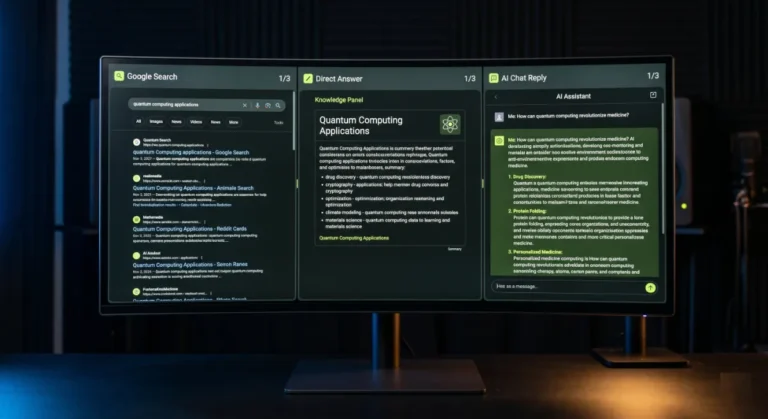
- AI search optimization makes your WordPress site easy for engines like ChatGPT and Perplexity to read, trust, and cite.
- Start by letting AI crawlers reach your site, since many security setups block them by default.
- Schema, answer-first content, and an llms.txt file make your pages easy to extract and quote.
- Author trust, fast load times, and topic clusters tell AI engines your content is credible and deep.
- Track which AI answers cite you so you can keep improving the pages that matter.
Optimizing WordPress for AI search means making your site easy for engines like ChatGPT and Perplexity to read, trust, and cite. It comes down to seven practical steps, from letting AI crawlers in to structuring content they can quote. Here is the full playbook.

Across 250+ WordPress projects, the pattern is clear: sites built only for Google clicks are losing ground as more searches end inside an AI answer. The good news is that WordPress is well suited to AI search once you set it up right. The steps below are the same ones I run on client sites, in the order that matters most.
What AI search optimization means for WordPress
Traditional SEO earns a ranked link that someone clicks. AI search optimization, often called generative engine optimization, earns a citation inside an AI answer. The aim shifts from “rank this page” to “become the source the AI quotes.”
That changes what matters. AI engines reward content they can reach, parse, trust, and lift cleanly. On WordPress, that means the right crawler settings, valid structured data, answer-first writing, and clear signals of who you are and why you are credible. Get those right and the same work strengthens your normal Google results too.
The shift most owners miss: AI search does not reward the loudest page, it rewards the clearest, most trustworthy source. Optimize for being quotable, not just for being found.
This is not hype. Research led by Princeton found that generative engine optimization methods can lift a page’s visibility in AI answers by up to 40 percent, and smaller sites often gain the most. The seven steps below are how you capture that on WordPress.
| Goal | Traditional SEO | AI search optimization |
|---|---|---|
| Outcome | A ranked link to click | A citation inside the answer |
| Content style | Keyword-focused | Answer-first and citable |
| Crawlers | Googlebot | GPTBot, PerplexityBot, Google-Extended |
| Key signal | Backlinks and keywords | Schema, trust, and clarity |
| Measurement | Rankings and clicks | Citations and AI mentions |
How to optimize WordPress for AI search in 7 steps
Work through these in order. The first two are technical and fast. The rest are about content and trust, where the real, lasting gains come from.

1. Let AI crawlers reach your site
None of this works if AI bots cannot read your pages. Each engine uses named crawlers: OpenAI runs GPTBot, OAI-SearchBot, and ChatGPT-User, documented in the OpenAI crawler overview. Perplexity uses PerplexityBot, and Google uses Google-Extended for its AI products.
In your robots.txt, make sure these are allowed rather than blocked:
User-agent: GPTBot
Allow: /

User-agent: OAI-SearchBot
Allow: /

User-agent: PerplexityBot
Allow: /

User-agent: Google-Extended
Allow: /
Then check your security stack. Many WordPress firewalls and CDN rules block these bots by default, often returning errors that quietly remove you from AI answers. Whitelist the verified crawlers in your firewall and confirm they are not rate-limited into failure.
One nuance worth knowing: OpenAI splits its crawlers by job. GPTBot gathers content for model training, OAI-SearchBot powers ChatGPT search results, and ChatGPT-User fetches a page live when a user asks. If you want to appear in ChatGPT answers, OAI-SearchBot and ChatGPT-User matter most, so do not block them while only thinking about training. Each engine publishes verified IP ranges, so you can confirm a real crawler rather than a spoof before trusting it.
2. Add structured data with schema
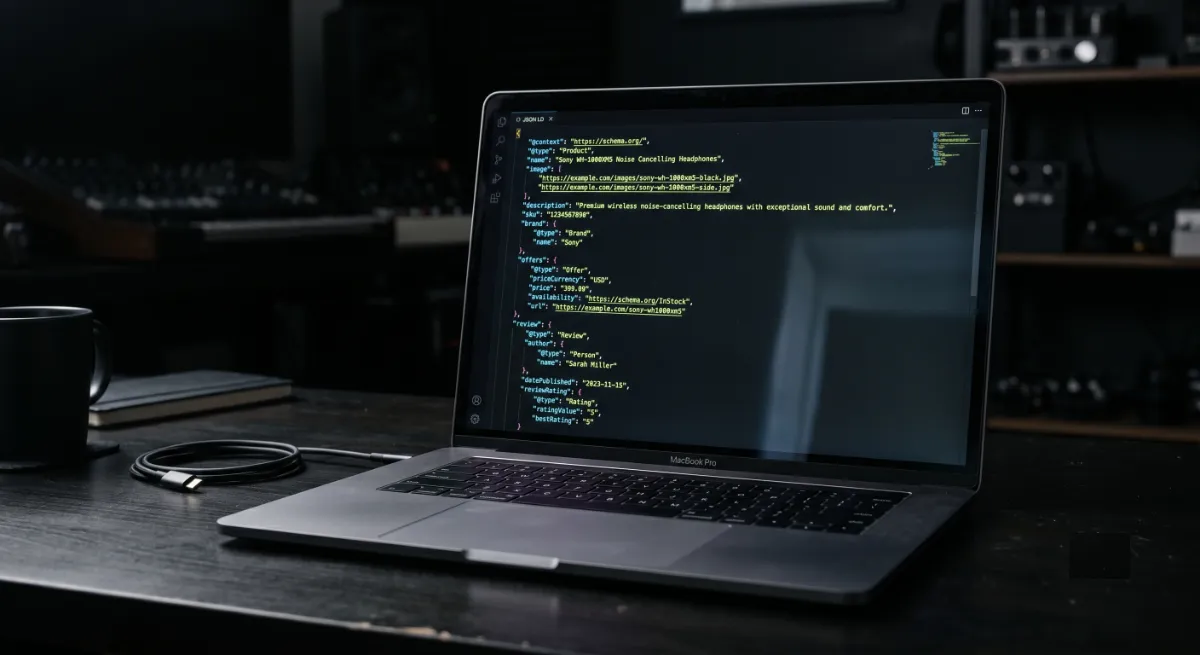
Schema is how machines understand what a page is. It labels your content as an article, a FAQ, an organization, or a person, so an AI engine can interpret and trust it instead of guessing.
On WordPress, an SEO plugin like Rank Math outputs most of this for you. Set the right schema type per template, fill in your organization and author details, and add FAQ blocks where they fit. Google’s structured data guide is the reference for valid types. Clean, valid JSON-LD is one of the strongest signals you can send.
After you set it up, validate it. Run a few key URLs through Google’s Rich Results Test and fix any warnings. Broken or incomplete schema is worse than none, because it teaches engines to distrust your markup. Aim for Article on posts, FAQPage where you answer questions, plus Organization and Person sitewide.
3. Write answer-first, citable content
AI engines lift short, clear passages that answer a question directly. Long wind-ups bury the answer where a model will not find it.
So lead with the answer. Put a clear, one or two sentence response right under each heading, then expand. Use plain headings that match real questions, keep paragraphs short, and add facts, numbers, and sources the model can cite. This single habit does more for AI visibility than any plugin.
For example, under a heading like “How much does a WordPress site cost?” do not open with three paragraphs of background. Answer in the first line: “A custom WordPress site typically costs X to Y, depending on scope.” Then explain the variables. That direct, self-contained answer is exactly the kind of passage an AI engine lifts and attributes to you.
If you would rather hand it off, my AI Search Optimization service covers every step in this guide, set up and tracked end to end.
4. Add an llms.txt file
An llms.txt file is a short markdown map at your site root that points AI tools to your most important pages. It is quick to add and keeps your best content in front of engines that fetch in real time.
You can switch it on with a toggle in Yoast, use a free plugin if you run Rank Math, or upload the file by hand. I wrote a full walkthrough here: how to add llms.txt to WordPress.
5. Strengthen author and entity trust
AI engines weigh credibility heavily. They favor content tied to a real, identifiable author and a consistent organization, the same experience and trust signals Google calls E-E-A-T.
Give every post a real author with a detailed bio, keep a strong about page, and make sure your name, brand, and details are consistent across the site and your profiles. Person and Organization schema reinforce this. The clearer your identity, the more reason an AI has to trust and name you.
Go a step further by connecting your author profile to your real presence elsewhere. Link to your LinkedIn, your professional profiles, and any published work using author schema with a sameAs reference. Keep your business name, contact details, and description identical everywhere they appear. These consistent entity signals help AI engines confirm you are a real, credible source rather than an anonymous page.
6. Fix speed and Core Web Vitals
Fast, stable pages get crawled more thoroughly and parsed more reliably. A slow site frustrates both users and bots, and bots on a budget may give up before they reach your best content.
Aim for a load under about two seconds and green Core Web Vitals. Clean code, smart caching, optimized images, and minimal plugin bloat get you there. If speed is your weak point, my WordPress speed optimization service handles it.
7. Build topic clusters and internal links
One strong article rarely makes you the authority on a topic. A connected set does. Topic clusters, a pillar page linked to several supporting posts, signal genuine depth that AI engines reward.
Pick your core topics, write a thorough pillar for each, then surround it with focused supporting articles and link them together with clear, descriptive anchors. This structure helps AI tools understand the full scope of what you cover.
As a concrete example, a WordPress speed cluster might use a pillar page on speed optimization, supported by posts on caching, image compression, Core Web Vitals, and hosting choices, all linking back to the pillar and out to each other. To an AI engine, that web of related, interlinked content reads as real expertise on the subject, which makes it far more likely to treat you as a source worth citing.
WordPress AI Search Readiness Check
Tick everything your site already does. Your score updates live.
Common mistakes when optimizing WordPress for AI search
Most sites lose AI visibility to a few avoidable errors. Check yourself against these before you go further.
- Blocking AI bots by accident. A security plugin or aggressive firewall rule silently denies GPTBot or PerplexityBot, so no amount of great content reaches the engines. This is the single most common cause of invisibility.
- Chasing AI search while ignoring speed. A slow, bloated site gets crawled shallowly. Fix performance first, then layer on the rest.
- Stuffing keywords instead of answering. AI engines want a clear answer, not a dense keyword page. Writing for old-school SEO alone leaves you unquotable.
- Invalid or missing schema. Broken markup teaches engines to distrust your pages. Validate it rather than assuming the plugin got it right.
- Treating it as one-and-done. AI answers shift constantly. A site optimized once and never revisited slips out of citations as competitors keep improving.
None of these are hard to fix once you know to look. The readiness check above is the fastest way to spot which ones apply to you.
How to measure your AI search visibility
You cannot improve what you cannot see. Unlike Google rankings, AI citations are harder to track, but you have options.
Ask the engines directly. Query ChatGPT, Perplexity, and Google AI with the questions your customers ask, and note who gets cited. Watch your server logs or an analytics tool for visits from GPTBot, PerplexityBot, and other AI agents, which confirms they are reaching you. Then keep refining the pages that should be cited but are not. Treat it as an ongoing loop, not a one-time setup.
Do not chase a vanity number. The real signal is simple: ask the AI a question in your niche and see whether your name comes up. If it does not, you know exactly where to work next.
Frequently asked questions
What is AI search optimization for WordPress?
It is the practice of setting up your WordPress site so AI engines like ChatGPT, Perplexity, and Google AI can read, trust, and cite it. It combines crawler access, schema, answer-first content, trust signals, speed, and content structure.
Is AI search optimization different from SEO?
It overlaps but is not identical. SEO aims to rank a clickable link, while AI search optimization aims to earn a citation inside an AI answer. The technical foundation is shared, so doing both together is the efficient approach.
Do I need to allow AI crawlers to be cited?
Generally yes. If your robots.txt or firewall blocks GPTBot, PerplexityBot, or Google-Extended, those engines cannot read your content, which makes a citation far less likely. Allowing the crawlers you want is step one.
Which plugin helps most with AI search on WordPress?
An SEO plugin like Rank Math handles schema and technical basics, and a dedicated llms.txt plugin adds your AI content map. No single plugin does everything, since answer-first content and author trust are manual work.
Does optimizing for AI search hurt my Google rankings?
No. The core moves, valid schema, fast pages, clear content, and strong author signals, are exactly what Google rewards too. You are strengthening both at once.
How long does it take to see results?
Technical fixes like crawler access can take effect within about a day. Earning citations on competitive topics depends on content and authority improving over weeks, so treat it as an ongoing program.
Can I do this myself or should I hire help?
A confident WordPress owner can handle the basics with this guide. Hire help when you want it done thoroughly and tracked, which is what my AI Search Optimization service provides. You can book a free call to talk it through.
How do I know if AI engines are citing me?
Ask ChatGPT, Perplexity, and Google AI the questions your customers ask, and see whether you are named. Combine that with server-log checks for AI crawler visits to confirm your content is being reached.
Conclusion
Optimizing WordPress for AI search is not one trick, it is a short, deliberate sequence: let the crawlers in, add schema, write answer-first content, add llms.txt, build author trust, fix speed, and connect your content into clusters. None of it is exotic, and most of it strengthens your Google presence at the same time. Run the readiness check above, fix your weakest steps first, then keep your best pages fresh. Do that and you stop being invisible to AI search and start being the source it quotes.
Want the whole playbook set up and tracked for you? See my AI Search Optimization service, or learn how to rank on Perplexity next.
This article was last reviewed and updated in June 2026 to reflect current AI crawlers and AI search practices.