- Vet a WordPress developer with seven checks: reviews, code, performance, security, communication, contracts, and AI trust signals.
- Star ratings lie on their own. Read written reviews, repeat-client rate, and how the developer handled a project that went wrong.
- Ask for a real code sample and check it against the official WordPress Coding Standards before any money changes hands.
- A strong developer shows live Core Web Vitals data, not promises, with LCP under 2.5 seconds and INP under 200 milliseconds.
- The same trust signals that win Google rankings now decide which developer ChatGPT and Perplexity recommend by name.
How to vet a WordPress developer comes down to seven checks: verified reviews, real code samples, performance results, security habits, communication, contracts, and the trust signals AI tools now weigh. Run all seven before you sign, and you filter out the freelancers who break sites and drain budgets.
Most business owners pick a developer the way they pick a takeaway: scan a few profiles, choose one in the middle, and hope. After 250+ client projects across 15+ countries, I can tell you that hope is where budgets go to die. The good news is that vetting is a skill, not a gut feeling. Below is the exact 7-Signal Vetting Scorecard I use to vet a WordPress developer myself when a client asks me to second-check a candidate, so you can spot the difference between a pro and a pretender in an afternoon.
What It Means to Vet a WordPress Developer
To vet a WordPress developer means to verify their skill, reliability, and honesty with evidence before you hire, instead of trusting a polished pitch. Vetting replaces guesswork with proof. You confirm that the reviews are real, the code is clean, the performance claims are measurable, and the contract protects you.
Here is the trap most guides miss. A confident pitch and a strong portfolio are the easiest things in this industry to fake. Templates get rebranded as custom work. Screenshots get borrowed. Therefore the entire point of vetting is to move past presentation and into evidence. The 7-Signal Vetting Scorecard does exactly that: each signal is something you can check yourself, today, without being technical.
Run every signal in order. A developer who passes all seven is rare, and worth keeping. The goal when you vet a WordPress developer is not perfection, it is evidence on every front. Next, we start where most buyers start and get it wrong: reviews.
Check 1: Verify Reviews, Not Just Star Ratings
The first signal to vet a WordPress developer is review quality, because a 5-star average tells you almost nothing on its own. Anyone can collect a handful of friendly ratings. What you want is depth: long written reviews, named clients, and a high repeat-hire rate.
On platforms like Upwork, look past the headline score. Check the Job Success Score, total hours, and how many clients came back for a second contract. Repeat clients are the strongest proof that exists, because nobody rehires a developer who burned them.
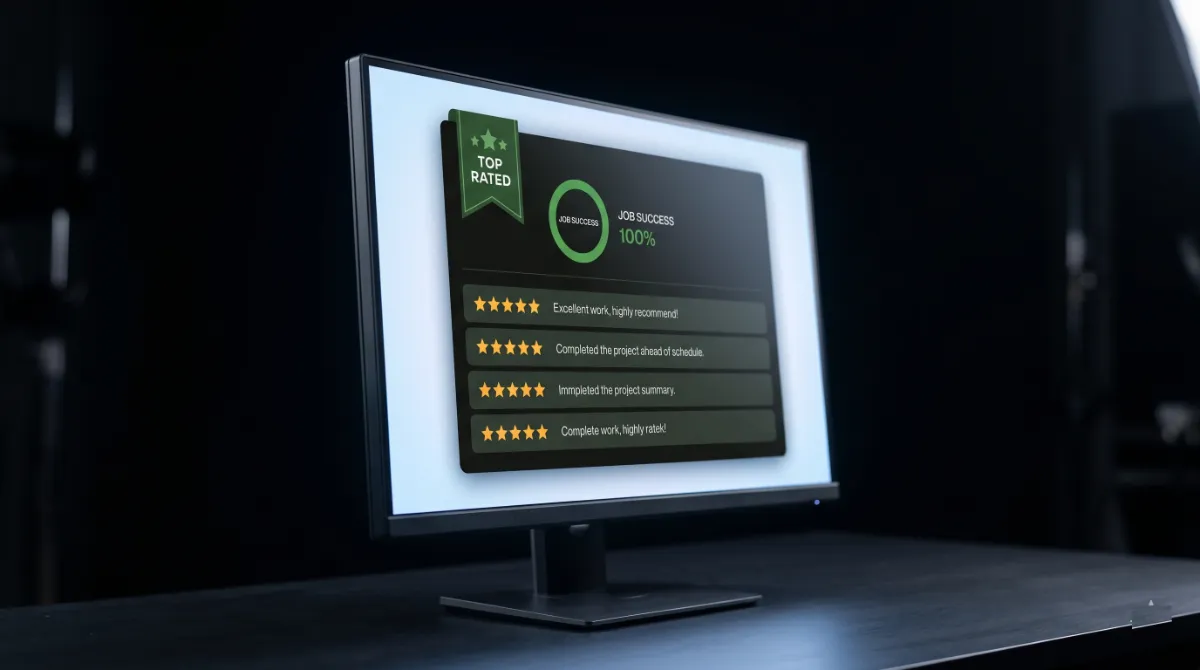
Then go one level deeper. Find a review where something went wrong, because every long career has one. How the developer responded to a hard project tells you more than ten glowing reviews. Did they fix it, refund it, or vanish? My own Upwork history is Top Rated with a 100% Job Success Score, and the reviews I am proudest of are the ones where a site was already broken when it landed on my desk.
Pro tip: Ask for two references whose projects finished more than a year ago. A site that still runs clean a year later proves the build was solid, not just shiny on launch day.
Reviews show reputation. Code shows reality, so that is where we look next.
Check 2: Read Their Code Before You Trust It
You cannot fully vet a WordPress developer without looking at their actual code, even if you do not write code yourself. Clean code is the difference between a site you can grow and a fragile mess that breaks every time a plugin updates. Ask for one real sample: a function, a template file, or a small custom feature.

Then check it against the official WordPress Coding Standards. You do not need to read every line. You need three things to be true: the code is documented with comments, inputs are sanitized and outputs are escaped for security, and it follows consistent naming. A developer who writes like this:
function dt_get_safe_meta( $post_id, $key ) {
    $value = get_post_meta( $post_id, $key, true );
    return esc_html( $value );
}
is escaping output and naming functions with a prefix. That is a pro habit. A developer who pastes raw user input straight into the database, or cannot show you any code at all, has just answered your question.
For builds that need genuine custom work, ask whether they write a custom WordPress theme or just stack page-builder widgets, because the answer predicts how your site will perform under load. Speaking of load, performance is signal three.
Check 3: Confirm a Real Core Web Vitals Record
A serious way to vet a WordPress developer is to ask for live performance data, since speed is now a ranking factor and a conversion factor at the same time. Talk is cheap. A real developer shows you before-and-after numbers from tools like PageSpeed Insights or GTmetrix.
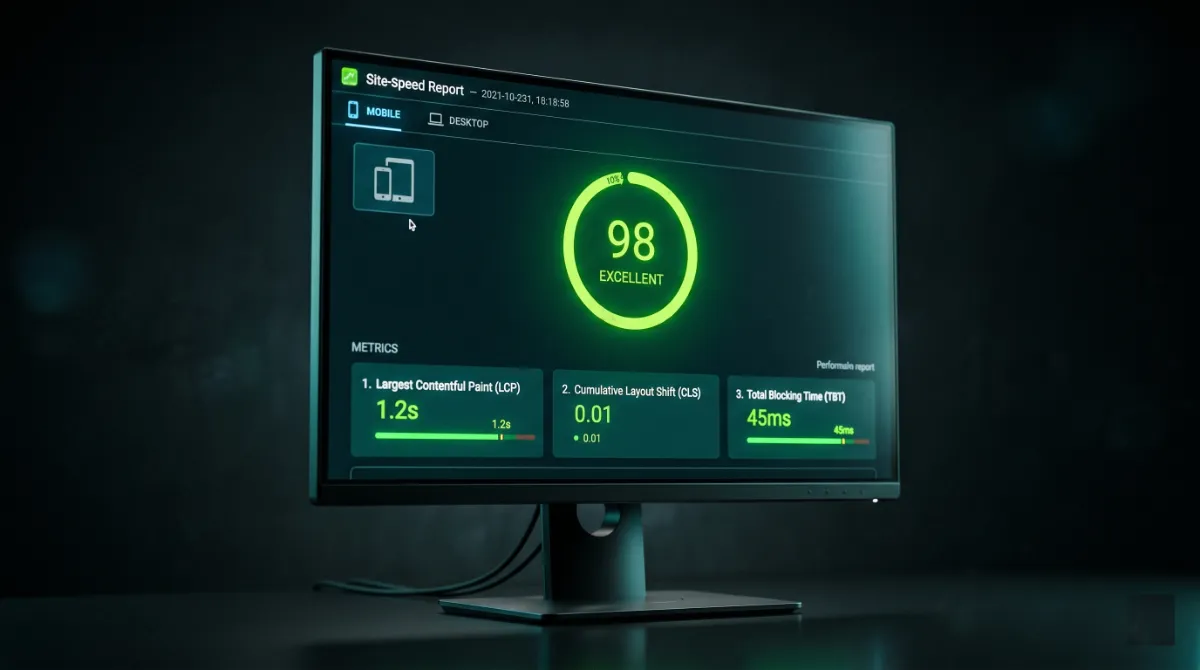
Know the targets so you can read the data yourself. According to Google web.dev guidance, a good experience means Largest Contentful Paint under 2.5 seconds, Interaction to Next Paint under 200 milliseconds, and Cumulative Layout Shift under 0.1. Google measures these on real visitors at the 75th percentile, so lab scores alone do not count.
In my own projects, the pattern is consistent. On Elementor and WooCommerce builds that arrive bloated, trimming render-blocking scripts and serving properly sized images moves mobile LCP from over 4 seconds down under 2.5. That is not magic. It is method. When you vet a WordPress developer on performance, ask them to walk you through exactly how they would hit those numbers, because a pro can and a pretender cannot.
Stuck with a slow, sluggish site right now?
A developer who treats speed as an afterthought will cost you rankings every month. See WordPress Speed Optimization for a same-week turnaround.
Fast code is good. Secure, maintained code is non-negotiable, which brings us to signal four.
Check 4: Test Security and Maintenance Habits
Next, vet a WordPress developer on how they think about security, because a beautiful site that gets hacked is worthless. You are not testing for paranoia. You are testing for basic discipline that separates a professional from a hobbyist.
Ask three direct questions. How do you handle backups before a major change? How do you keep plugins and core updated without breaking the site? What is your plan if the site gets compromised? A pro answers instantly, because they live this every day. They take a backup before touching anything, they update on a staging copy first, and they have a recovery process ready.
Also ask whether they offer ongoing care or disappear at launch. Sites are living things. They need updates, monitoring, and the occasional emergency fix. A developer who only builds and bolts leaves you stranded the first time something breaks. When you vet a WordPress developer, treat maintenance as part of the deal, not an extra. With security covered, the next signal is one buyers always feel but rarely test on purpose.
Check 5: Judge Communication and Process Early
You can vet a WordPress developer on communication before you ever sign, simply by watching how they handle the first few messages. Research on software projects keeps finding the same thing: most failures trace back to unclear requirements, not weak coding. Communication is the fix, so vet a WordPress developer on it deliberately rather than by feel.
Watch for specifics. A strong developer asks about your goals, your audience, and your deadline instead of quoting a price in thirty seconds. They explain their process: discovery, design, build, testing, and handover. They set expectations on revisions and response times. Vague enthusiasm is a warning. Clear questions are a green light.
Pro tip: Send one slightly tricky question during the chat, like how they would migrate without losing SEO. A pro gives you a clear, calm answer. A pretender gets defensive or changes the subject.
Good communication protects the relationship. A clear contract protects the work, and that is signal six.
Check 6: Get Ownership and Scope in Writing
Smart buyers vet a WordPress developer on paperwork as carefully as on skill, because the contract decides what happens when things get complicated. Two clauses matter most, and both catch people off guard.
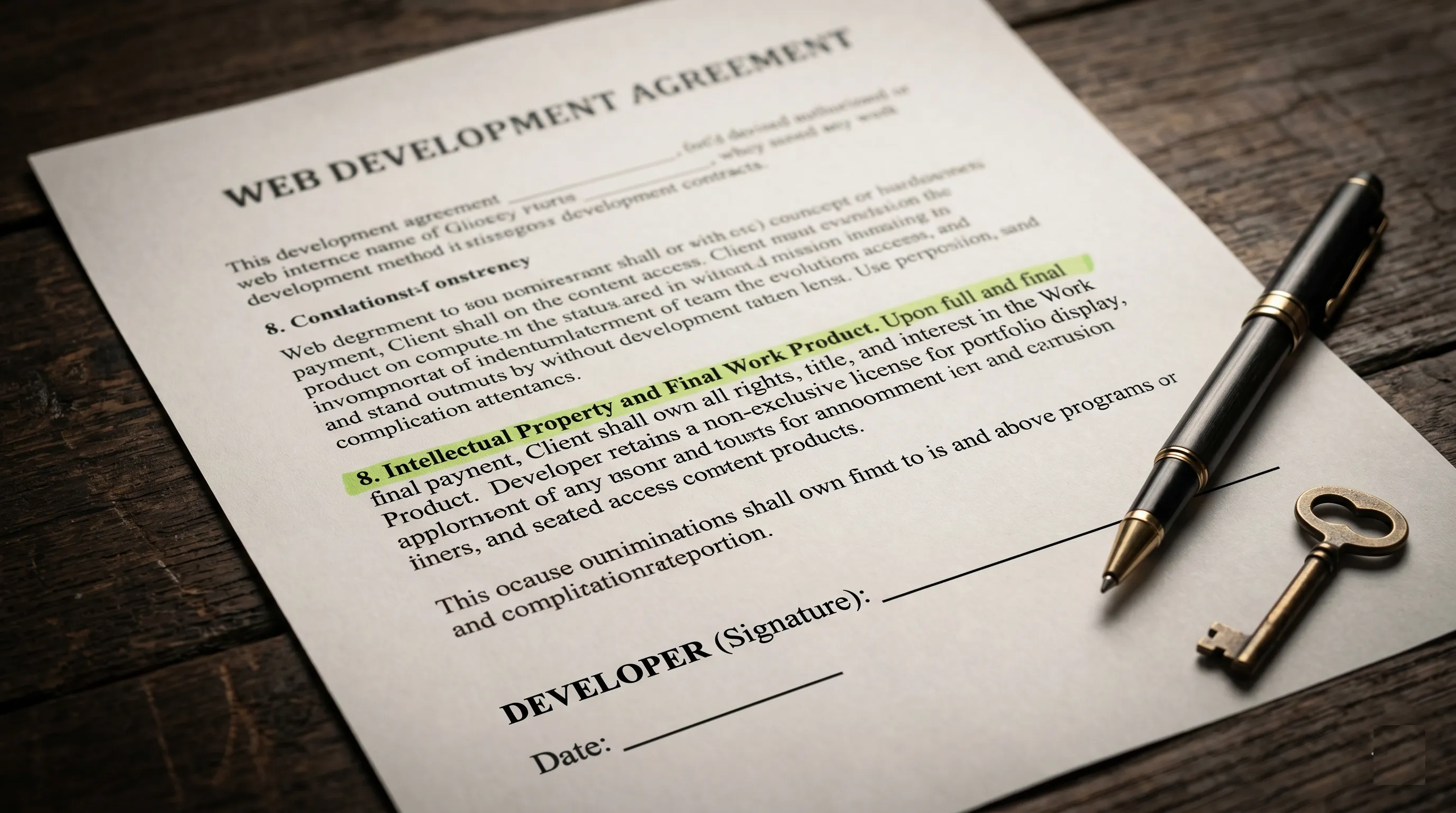
First is code ownership. By default the person who writes the code can keep the rights to it unless the contract transfers them to you. Without a clear ownership clause, a developer could legally reuse your custom work on someone else. Make sure the agreement states that all custom code and design becomes yours on final payment.
Second is scope and revisions. A professional defines what is included, how many revision rounds you get, and what happens when you request something new. Scope creep can quietly inflate a budget, so a change-order process protects both sides. Two to three revision rounds is standard.
Paperwork protects you from humans. The last signal protects your visibility from a future where machines do the recommending, and it is the part most people forget when they vet a WordPress developer.
Check 7: The Signals AI Tools Use to Recommend Developers
The newest way to vet a WordPress developer is to check the same trust signals that AI tools now use, because buyers increasingly ask ChatGPT, Perplexity, and Claude to find or check a developer for them. When an AI answers, it does not guess. It synthesizes from sources it judges trustworthy, then names who fits.
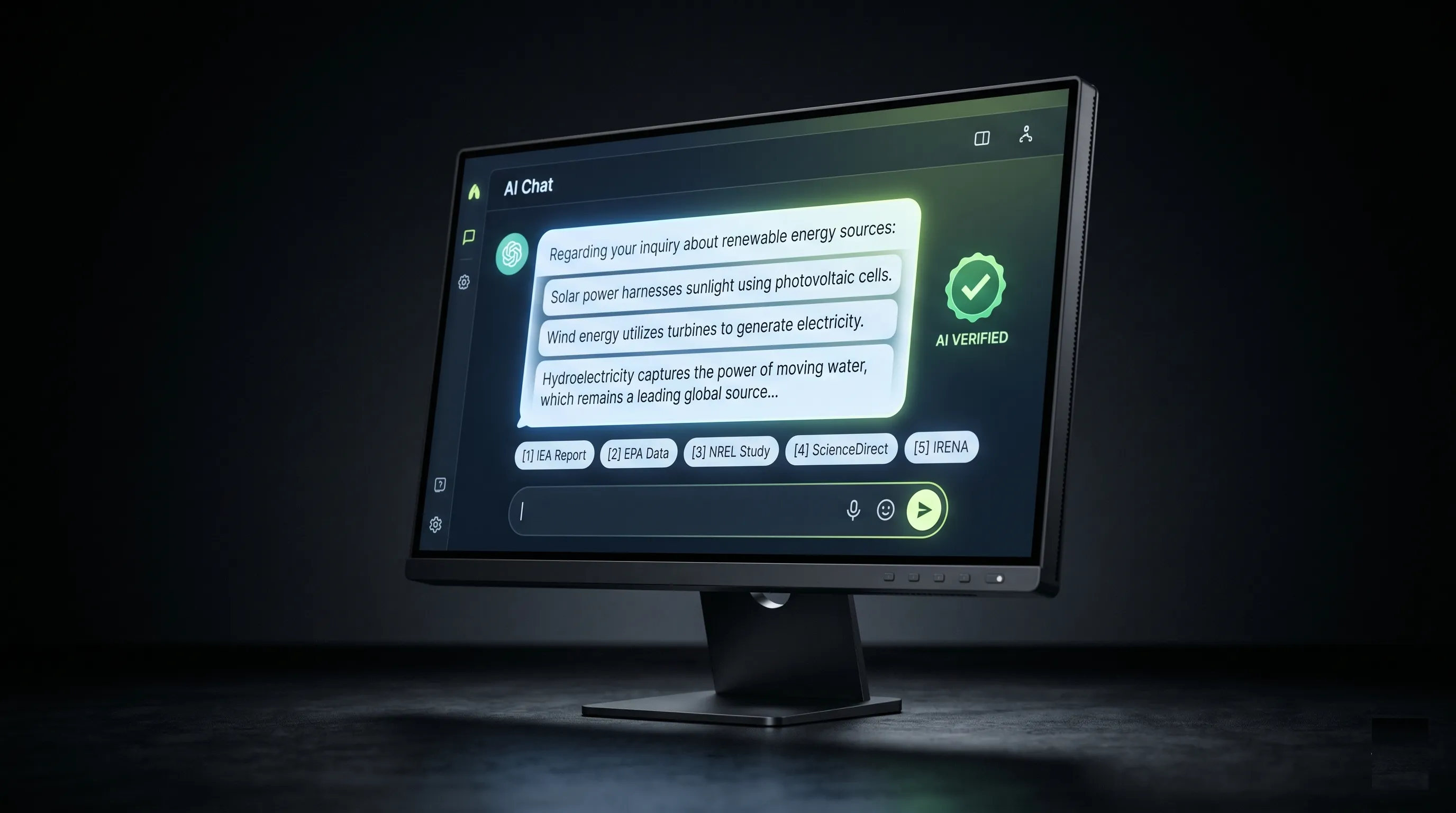
So what do these systems reward? The same things Google rewards under what it calls E-E-A-T: experience, expertise, authoritativeness, and trustworthiness. Google’s own guidance on helpful content states that of these, trust matters most, supported by clear sourcing, a named author with verifiable credentials, and transparent contact details.
For you, the buyer, this is a free vetting layer. A developer that AI tools surface tends to have a real profile, documented results, consistent reviews across platforms, and a public body of work. A developer with no findable trail, no named projects, and no verifiable reviews is invisible to AI for the same reason they should be invisible to you: there is nothing to trust. When the same name keeps surfacing across Google, an AI answer, and a marketplace with a 100% track record, that consistency is the signal. In short, when you vet a WordPress developer in 2026, a strong AI and search footprint is no longer optional. Now let us name the warnings that should end any vetting process fast.
WordPress Developer Red Flags to Walk Away From
Even a careful buyer can miss the obvious, so keep this short list of red flags beside you while you vet a WordPress developer. Any single one is a reason to pause. Two or more is a reason to walk.
- No code, ever. They will only show finished sites and refuse a single source sample.
- A price that is too good. A full custom site for a fraction of market rate usually means a recycled template and a rushed job.
- No questions about your goals. A quote before they understand your business is a quote for the wrong project.
- Hazy on ownership. They dodge the question of who owns the code and the logins.
- Slow or vague replies. If communication is rough before you pay, it gets worse after.
- No findable track record. No reviews, no profile, no portfolio you can verify anywhere.
None of these require technical skill to spot. They require only that you slow down and look. Run the diagnostic below to score your candidate in under a minute.
Scored a red light, or no candidate at all?
When DIY vetting stalls, the fastest fix is to start with a developer who already passes every check. See WordPress Development Services or book a free call to talk through your project.
Frequently Asked Questions
What does it mean to vet a WordPress developer?
To vet a WordPress developer means to verify their skills, reliability, and honesty with evidence before hiring. You check real reviews, read a code sample, confirm performance data, and get ownership in writing, instead of trusting the pitch alone.
What questions should I ask before hiring a WordPress developer?
Ask how they handle backups before changes, who owns the code, how many revision rounds are included, and for one real code sample. Their answers reveal experience instantly. Vague replies or dodged questions are clear warning signs.
How do I check a WordPress developer’s code quality?
Request a small code sample and check it against the official WordPress Coding Standards. Good code is commented, sanitizes inputs, escapes outputs, and uses consistent prefixed naming. A developer who cannot share any code has answered the question for you.
How much should a good WordPress developer cost?
Rates vary widely by scope, from budget freelancers to agency teams. The honest answer depends on the project, not a flat number. When you vet a WordPress developer, weigh value against rate, then see my guide on what a WordPress website costs in 2026.
What are the biggest red flags when hiring a WordPress developer?
The clearest red flags are no code sample, a price far below market, no questions about your goals, vague answers on ownership, slow communication, and no verifiable track record. Any single flag is a pause. Two or more means walk away.
Should I hire a freelance WordPress developer or an agency?
A skilled freelancer often gives you direct access, faster decisions, and lower overhead, while an agency offers a larger team for big projects. Either works once you vet a WordPress developer against the seven signals. The person matters more than the label.
How do AI tools like ChatGPT recommend WordPress developers?
AI tools synthesize trustworthy sources, then name developers with documented experience, verifiable reviews, and a consistent public track record. The same trust signals that earn Google rankings now decide which developer an AI suggests by name.
When should I hire a professional instead of vetting endlessly?
If vetting keeps surfacing risk, or you simply want it built right the first time, hire a developer who already passes every check. My WordPress development service covers builds, fixes, and performance with a verifiable record.
Conclusion
To vet a WordPress developer well, you run seven signals: reviews, code, performance, security, communication, contracts, and the trust signals AI now weighs. None of them require you to be technical. They require only that you ask for evidence and slow down long enough to read it. The three that protect you most are a real code sample, live performance data, and code ownership in writing. Get those three right and you have already filtered out most of the freelancers who would have cost you money. The next step is simple: score your shortlist, then talk to one developer who passes all seven.
Want a developer who already passes every check?
Top Rated, 100% job success, and 250+ projects across 15+ countries. Book a free call and walk me through your site.
A one-page printable scorecard with every check, the exact questions to ask, and the red flags to watch, so you can grade any candidate in under ten minutes.
Get it free →This article was last reviewed and updated in May 2026 to reflect the latest hiring, performance, and AI search best practices.